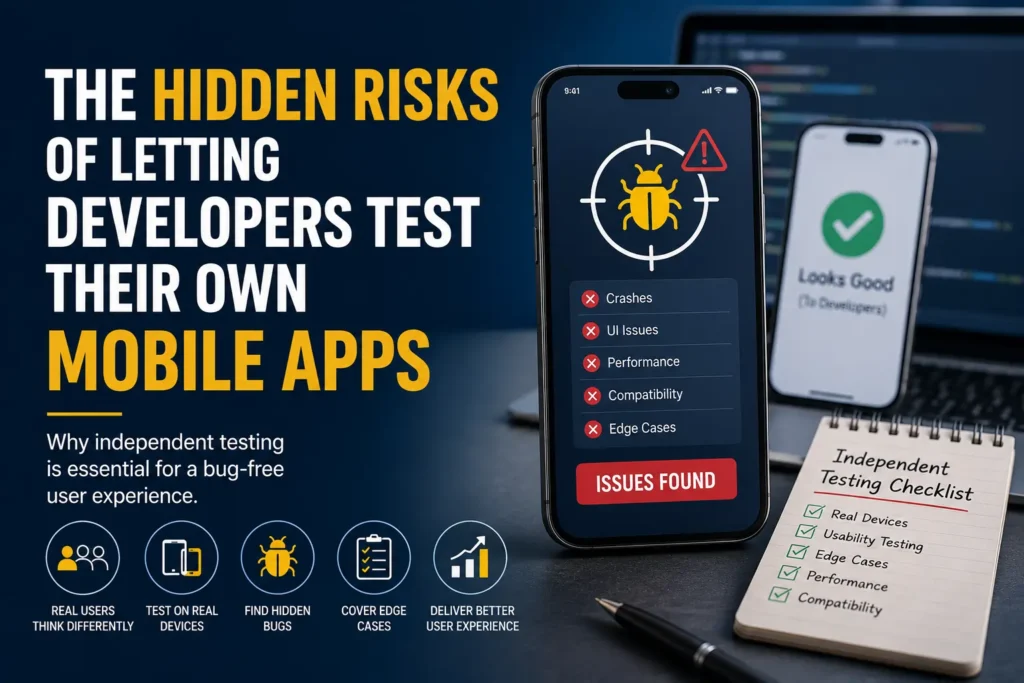
Updated September 28, 2026. Developer testing is essential. The question is not whether developers should test, but whether your team has enough independent coverage for the next release.
Consider adding mobile QA when critical journeys are repeatedly left unchecked, device-specific issues escape, or regression competes with development for the same limited time. That does not automatically mean hiring someone full-time: a focused release pass or recurring part-time allocation may solve the immediate problem.
This guide helps you decide when additional coverage is justified. For engagement options and deliverables, see how to hire mobile app testers.
What developer testing and independent QA each contribute
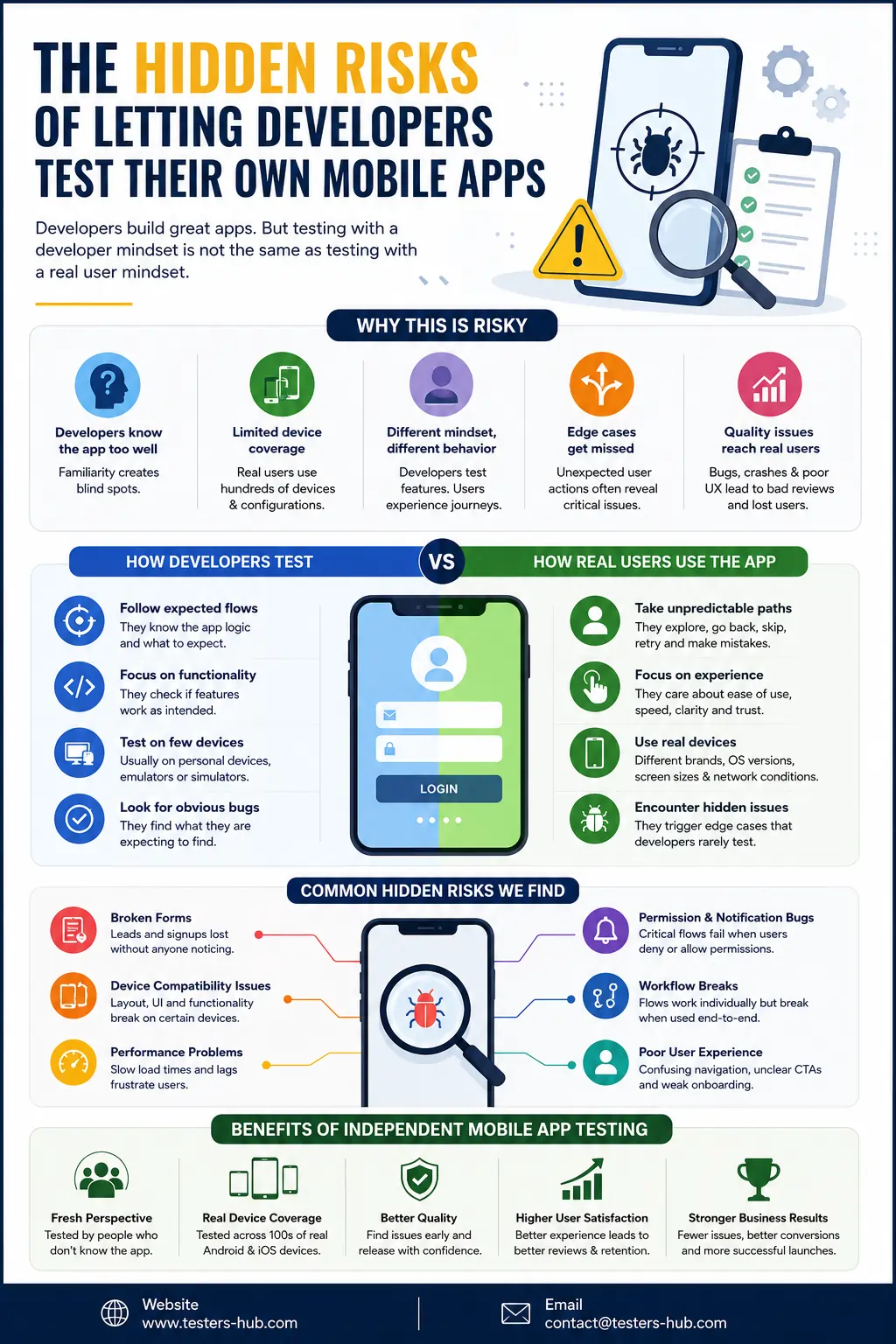
Developers can test business logic, failure paths and regressions as well as individual features. Independent QA adds another perspective and explicit ownership of agreed coverage across builds, devices and user journeys. The gap to look for is untested risk, not a job title.
For example, a successful sign-in check does not establish that a session survives a network interruption, an app restart or a change of user role. Someone needs to define those expectations and verify them on the supported configurations.
Seven signs it is time to add mobile QA capacity
1. Device-specific issues keep reaching users
Look for: clipped controls, keyboard overlap or a workflow failing on a device outside the team’s usual setup. Start with a targeted real-device pass, using your audience’s devices and the affected configurations. A device gap alone does not require a permanent QA hire.
2. Testing is squeezed into the final hours before release
Look for: a build arriving too late for meaningful investigation, fixes and verification. Reserve a testing window earlier and agree a build-readiness check. For recurring releases, part-time support may be more useful than repeatedly booking emergency passes.
3. Nobody owns checks outside the changed feature
Look for: each developer confirming their change while connected journeys remain unassigned. Create a release checklist with owners and explicit exclusions. Add independent execution where the team cannot cover it; do not replace working developer checks merely to duplicate them.
4. Authentication or payments have become release-critical
Look for: new account-linking rules, subscriptions, payment retries or changes to session behavior. Agree expected outcomes for cancellation, interruption and recovery. A scoped specialist review may be enough for one release; frequent changes may justify ongoing product knowledge.
5. iOS and Android behavior is diverging
Look for: permissions, navigation, notifications or background behavior working differently between platforms. Compare the same user journey against each platform’s intended behavior, rather than assuming identical UI is required. Build explicit coverage for both iOS and Android.
6. Regression work is growing faster than available testing time
Look for: important checks repeatedly deferred or fixes accepted without verification. Prioritize by customer impact and recent changes. Add recurring tester capacity when there is sustained work; use a bounded regression engagement for an occasional release spike.
7. More changes arrive without enough time to understand their impact
Look for: larger batches, unclear acceptance criteria or weak change notes, whether development is AI-assisted or not. Ask for an impact summary, review business rules and identify adjacent workflows before testing. Faster coding alone is not a reason to hire; an uncovered verification workload is.
DeviQA’s 2026 survey of QA professionals discusses the testing workload associated with AI-assisted development. It is external, vendor-published research—not a measurement of Testers HUB projects or proof that every AI-assisted team needs more testers.
A real-device finding from our mobile QA work
In an anonymized dating-app release, Testers HUB tested iOS and Android using 3–4 real devices on each platform. On a Google Pixel 8, some buttons did not fit within the visible screen and extended beyond it. This created a risk that users could not reach the affected controls as intended.
The useful lesson is to check whether users can see and operate controls on the actual device, not just whether the underlying feature exists. A recommended regression check is to revisit affected screens on the Pixel 8 and the other agreed screen sizes, including keyboard-open and supported orientation states where relevant.
This is a confirmed finding, not a claim that the bug occurred only on Pixel 8, passed developer testing, was fixed, or was added to the client’s regression suite. Those outcomes are not established by the available project details.
Are emulators and simulators enough?
They are valuable for fast, repeatable functional checks and simulated conditions. Physical devices add evidence about the actual hardware, OS configuration and interactions that matter to your release. Use both according to risk.
| Testing need | Emulator or simulator | Real-device check |
|---|---|---|
| Early functional feedback | Quick, repeatable checks during development | Confirm important journeys on supported hardware |
| Permissions, location and networks | Simulate supported states and inputs | Validate actual prompts, sensors and connectivity transitions |
| Layout and interaction | Explore screen configurations efficiently | Check touch, keyboard and device-specific behavior |
| Hardware-dependent behavior | Useful but not a substitute for all physical conditions | Check camera, Bluetooth, thermal and battery behavior when in scope |
There is no universal minimum device count. Select a matrix from supported OS versions, user analytics, screen sizes, hardware dependencies and known failures. A provider’s available device inventory is not the same as the devices included in your quote.
Which engagement fits the gap?
A dedicated tester can be provided by an outsourced QA team; these are not opposing choices. Decide on continuity and workload first, then on who supplies the capacity.
| Your situation | Practical starting point | Define before booking |
|---|---|---|
| One launch or a specific device concern | Focused project pass | Build, workflows, devices and one agreed cycle |
| Regular updates with a manageable backlog | Part-time QA | 20 hours/week per tester, priorities and reporting |
| Sustained testing across frequent releases | Full-time or monthly dedicated QA | 40 hours/week or 160 hours/month per tester, with an agreed backlog |
| Temporary regression or release spike | On-demand support | Availability, execution window, cases and handover |
Explore QA On-Demand for intermittent needs or Mobile App Testing Services for coverage planning. Use the QA cost calculator for staffing estimates rather than assuming screen count predicts all the effort.
Fixed mobile packages include one full end-to-end test cycle within the agreed scope; retesting and regression are separately planned and charged. Dedicated support can allocate reserved hours to these activities, but does not include unlimited builds, devices or cycles.
What should you prepare before contacting a QA provider?
- App purpose, platforms and build stage.
- Critical user journeys and the expected behavior.
- Target devices and OS versions, including known problem configurations.
- Release date, build frequency and available testing windows.
- Existing checks, open defects and the specific coverage gap.
- Required reports and allowance for regression or fix verification.
Request reproducible defect reports with build/device context, expected versus actual behavior and useful screenshots or video. Ask the final summary to distinguish completed coverage, blocked checks, untested areas and open risks. Testing informs the release decision; it cannot guarantee a defect-free app.
Not sure whether you need one test pass or ongoing QA?
Share your app, release schedule, critical workflows and target devices. We’ll recommend the coverage and tester setup that fits the work. Access to builds and test accounts can be arranged securely after scoping.