Frameworks that fit your product
First, we review the stack, workflows, environments, and team process before selecting Selenium, Playwright, Cypress, Appium, or API tools.


Automation testing services for Selenium, Playwright, Cypress, API checks, CI pipelines, and regression suites
Testers HUB helps product teams build practical QA automation for stable workflows, APIs, web apps, mobile apps, and release regression. We combine automation engineers, manual QA thinking, Selenium, Playwright, Cypress, API testing, and CI reporting so your team can catch repeatable issues earlier.
What we automate
Automation works best when it is planned around value, stability, and maintainability. Therefore, we focus on high-repeat areas that help your team release faster without building fragile scripts that fail for the wrong reasons.
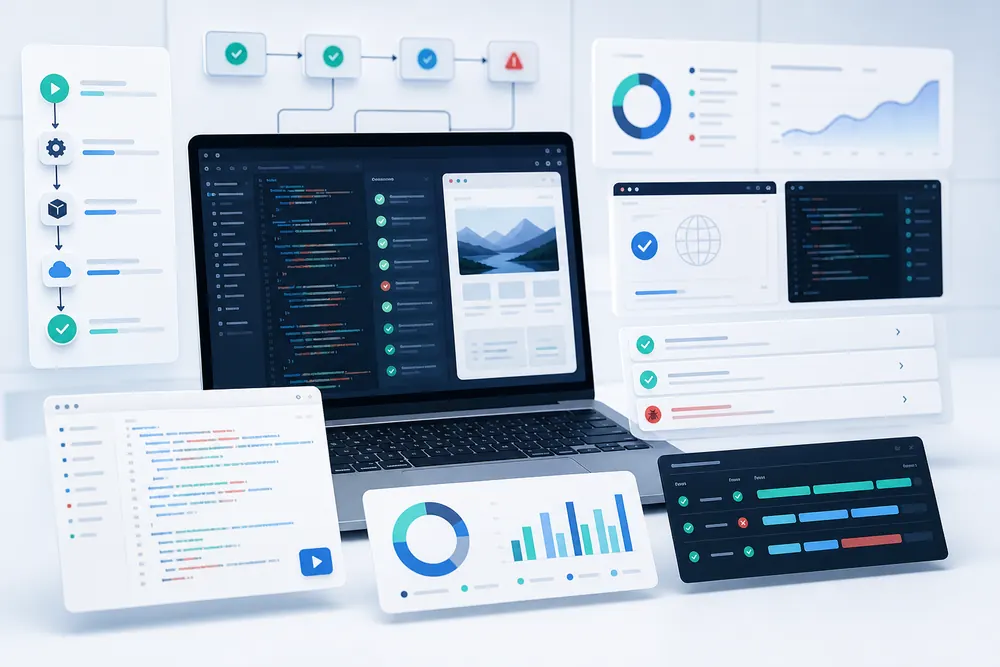
First, we review the stack, workflows, environments, and team process before selecting Selenium, Playwright, Cypress, Appium, or API tools.
In addition, we prioritize stable checks, meaningful assertions, clear test data, and reports developers can act on quickly.
Finally, automation suites need updates as the product changes, so we plan for refactoring, flaky test review, and coverage growth.
We automate stable browser flows, forms, account actions, roles, dashboards, transactions, and release-critical user journeys.
Regression suites help teams retest important workflows after new features, bug fixes, sprint releases, and production hotfixes.
API checks validate request behavior, response payloads, status codes, authentication paths, error handling, and integration risks.
Smoke tests give teams quick confidence that login, core paths, payments, dashboards, and major integrations still work.
Selected checks can run across supported browsers, screen sizes, and cloud test environments such as BrowserStack or LambdaTest.
We help connect automated tests to pipelines with clear reports, screenshots, videos, logs, and failure details for triage.
Share your product, current QA process, tool preference, and release goals. Then, we will suggest a practical automation scope.
AI-era QA automation
AI-assisted testing can help with test ideas, script drafting, failure summaries, and coverage review. However, experienced automation testers are still needed to decide what deserves automation, what should stay manual, and how to keep the suite reliable.
We can use AI-supported thinking to review flows and expand coverage ideas, while human testers confirm practical value.
Good automation avoids brittle selectors, unclear assertions, unstable test data, and failures that waste developer time.
Each run should help teams understand what failed, where it failed, and whether the issue is product, environment, or script-related.
Why outsource automation testing
Many teams want automation, but they do not have enough time to plan the framework, write stable scripts, review flaky failures, and keep coverage updated. As a result, automation can become another backlog item instead of a release accelerator.
Automation testing process
The process starts with understanding your product and current QA effort. After that, we choose the right automation targets, set up or improve the framework, create scripts, connect reporting, and maintain the suite as your product changes.
First, we review product workflows, release risks, manual regression effort, environments, test data, and current tooling.
Next, we recommend Selenium, Playwright, Cypress, Appium, API tools, or CI options based on your stack and goals.
Then, automation engineers create stable checks with meaningful assertions, reusable structure, and clear test data handling.
After that, tests can run in pipelines with screenshots, videos, logs, failure summaries, and status reporting.
Finally, we review flaky tests, update coverage, refactor scripts, and keep automation aligned with product changes.
Case study snapshot
QA automation is most useful when a product team needs faster regression feedback, clearer failure evidence, and reliable checks that still respect manual QA judgment.
A UK-based SaaS product team was spending too much time repeating the same regression checks before weekly releases. First, we reviewed the most stable user journeys, login paths, dashboard actions, role-based workflows, and API touchpoints. Then, we created an automated smoke and regression suite with reporting so developers could see failure evidence before release meetings.
Automation testing engagement models
Automation testing cost depends on workflow count, tool selection, framework complexity, API coverage, CI reporting, browser or device coverage, and ongoing maintenance needs. Therefore, we recommend the right model after reviewing your scope.
Best when you need to decide what should be automated and which tool or framework fits your product.
Best for teams that need a new automation framework, smoke suite, API checks, or regression coverage.
Best when repeated release checks are slowing the team and stable flows need faster validation.
Best for teams that need ongoing automation development, flaky test fixes, suite maintenance, and QA reporting.
Automation tools
We adapt to your current stack when possible. However, the goal stays consistent: maintainable tests, useful reports, stable execution, and automation coverage that supports release decisions.
Related QA services
If your project needs platform-specific QA, manual review, web application testing, or Cypress-focused automation, these pages can help you choose the right next step.
Automation testing FAQs
These answers are written for founders, product managers, CTOs, QA leads, agencies, and software teams comparing QA automation services.
Automation testing services use test automation frameworks, scripts, tools, and CI reporting to run repeatable checks for web apps, APIs, mobile apps, and regression suites. They help teams validate stable workflows faster and reduce repetitive manual testing effort.
Testers HUB can support Selenium, Playwright, Cypress, Appium, Postman, REST Assured, JMeter, GitHub Actions, GitLab CI, Jenkins, BrowserStack, LambdaTest, Jira, and TestRail depending on the product, stack, and automation goals.
Yes. We provide Selenium automation testing, Playwright automation testing, and Cypress automation testing for stable user flows, smoke checks, regression suites, cross-browser scenarios, and release validation.
No. Automation testing is best for repeatable and stable checks, while manual testing is still important for exploratory testing, usability review, new features, edge cases, and release judgment. A balanced QA plan usually uses both.
Automation testing cost depends on product complexity, number of workflows, selected tools, framework setup, test data, integrations, browser or device coverage, CI reporting, maintenance needs, and whether you need project-based support or a dedicated automation tester.
Yes. Testers HUB can review, stabilize, refactor, expand, and maintain existing automation suites, including flaky test reduction, reporting improvements, CI pipeline support, and new regression coverage.
Share your product, current regression effort, preferred tools, CI setup, timeline, and testing goals. Then, we will recommend a practical automation scope and quote.