Start with user goals
First, we identify who uses the product, what they need to do, and which workflows matter most.

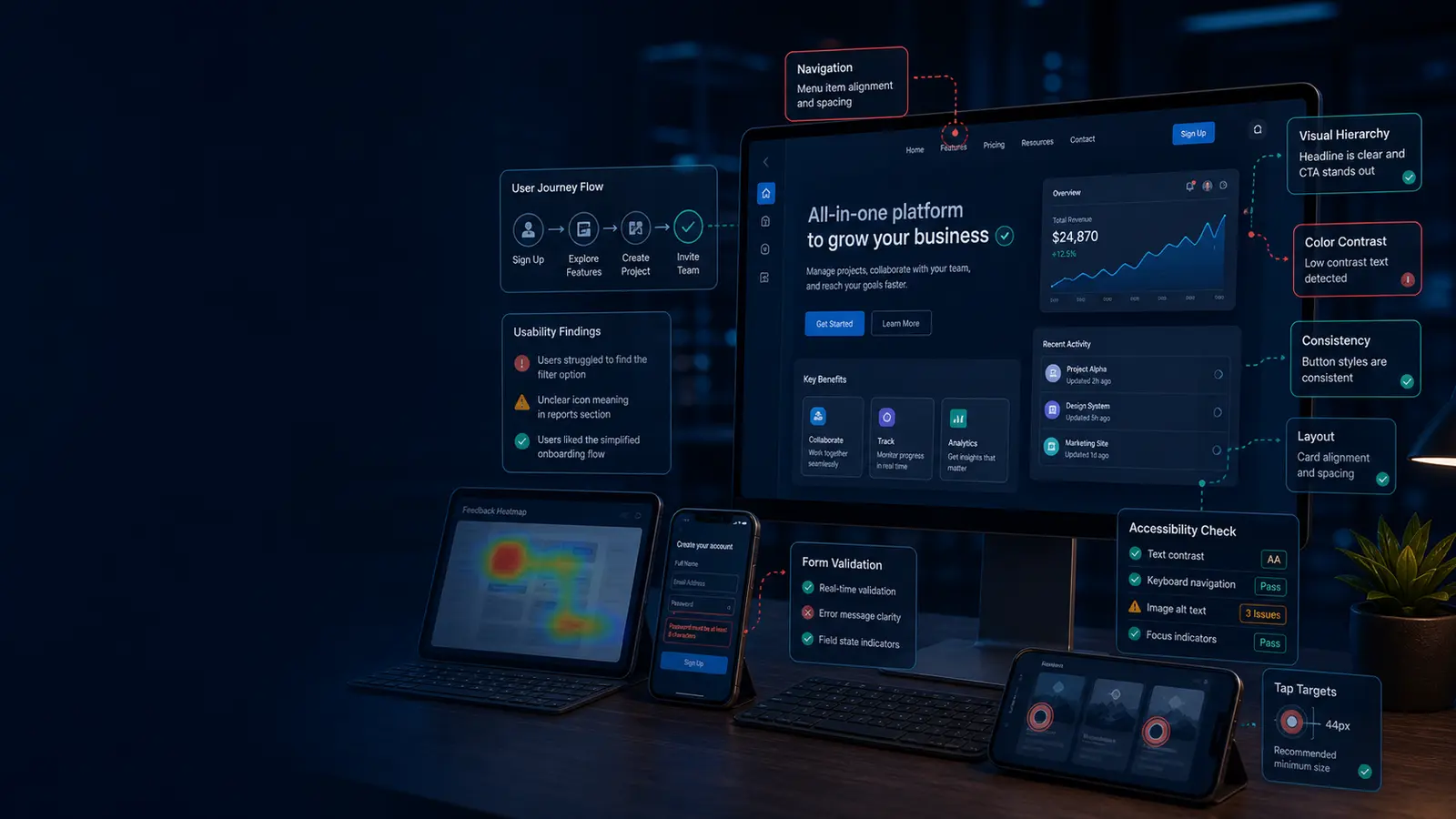
UI testing, UX testing, usability testing, responsive layout QA, and interface review for digital products
Testers HUB helps teams find interface and usability issues that frustrate users, reduce conversions, or create support problems. Our UI UX testing services cover navigation, forms, content clarity, responsive layouts, accessibility signals, cross-browser behavior, and real user journeys.
What we test
A feature can technically work and still feel difficult to use. Therefore, our UI UX testing services focus on real journeys, interface clarity, responsive behavior, and usability blockers that affect leads, sales, onboarding, and retention.
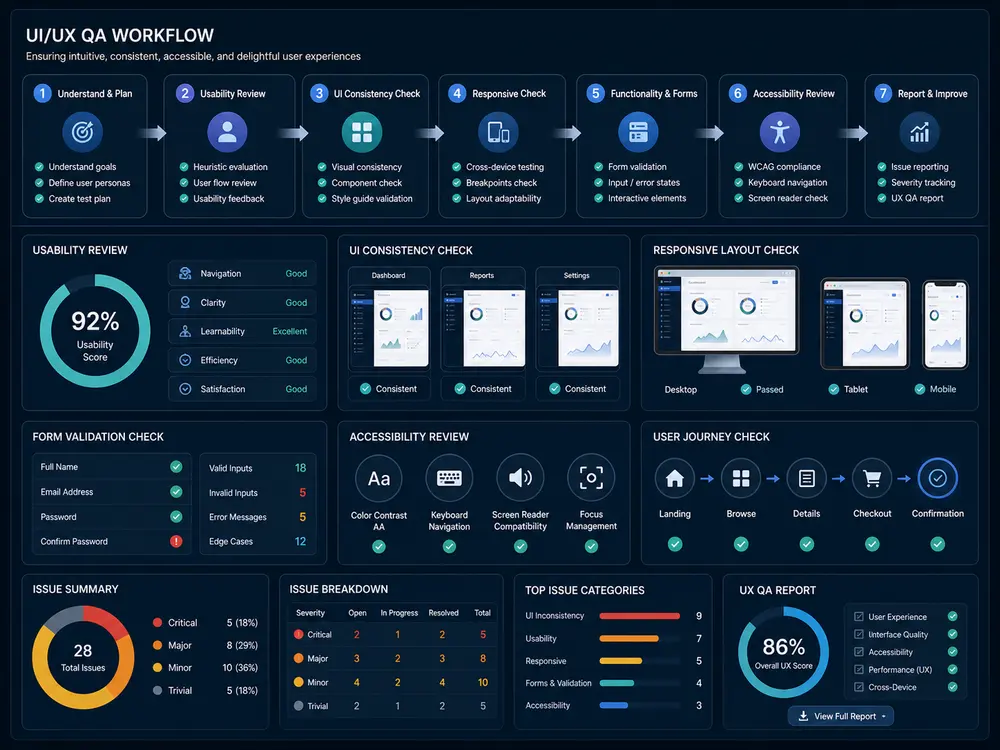
First, we identify who uses the product, what they need to do, and which workflows matter most.
Next, we test layout, copy, forms, responsive states, accessibility signals, and browser behavior.
Finally, findings explain the problem, user impact, evidence, severity, and practical recommendations.
Find confusing flows, unclear labels, weak CTAs, broken expectations, and user journey friction.
Review spacing, typography, colors, buttons, modals, tables, cards, components, and visual states.
Validate labels, validation, error messages, required fields, keyboard behavior, and success states.
Check layouts across desktop, tablet, mobile, orientation changes, and browser differences.
Review practical accessibility signals such as contrast, focus states, labels, readability, and keyboard paths.
Confirm that fixed UI and UX issues no longer block important workflows.
Use cases and tools
We can review live products, staging builds, redesigned pages, mobile apps, and web apps. In addition, testing can use BrowserStack, real devices, browser dev tools, accessibility checkers, analytics notes, screen evidence, and structured QA reports.
Experience based scenario
For a UAE-based SaaS company redesigning its demo request journey, UI UX testing can uncover weak form labels, mobile spacing issues, unclear pricing CTAs, and browser-specific layout problems. After fixes, retesting helps confirm that users can complete the flow with less friction.
Choose important user goals, pages, devices, and conversion paths.
Test layout, navigation, forms, content, responsive states, and accessibility signals.
Prioritize issues by user impact, evidence, severity, and recommended next steps.
Confirm improved flows across target devices and browsers.
FAQ
These answers help teams decide when usability QA is needed alongside functional testing.
Yes. Expert QA review can identify practical usability issues in workflows, forms, navigation, layout, and responsive behavior.
They can include practical accessibility checks, although a full accessibility audit should be scoped separately if required.
Yes. A staging build can be tested for usability, responsive behavior, forms, browser differences, and visual consistency.
Yes. Findings can include evidence, expected behavior, severity, user impact, and practical recommendations.