Device-led QA planning
First, we map Android coverage around your users, priority regions, common devices, OS versions, and product risk.


Android app testing services for real devices, OS versions, OEM builds, and Google Play releases
Testers HUB helps product teams test Android apps across real devices, Android OS versions, screen sizes, OEM behavior, install and update flows, permissions, push notifications, payments, and release-critical journeys. As a result, your team gets focused Android QA testing services before device fragmentation turns into user complaints.
Launching on Android and iOS? Our mobile QA services bring both platforms into one real-device test plan with clear deliverables and retesting.
What we test
Android apps can behave differently across devices, OS versions, chipsets, screen sizes, permissions, and manufacturer settings. Therefore, we test the practical risks that affect your users most.
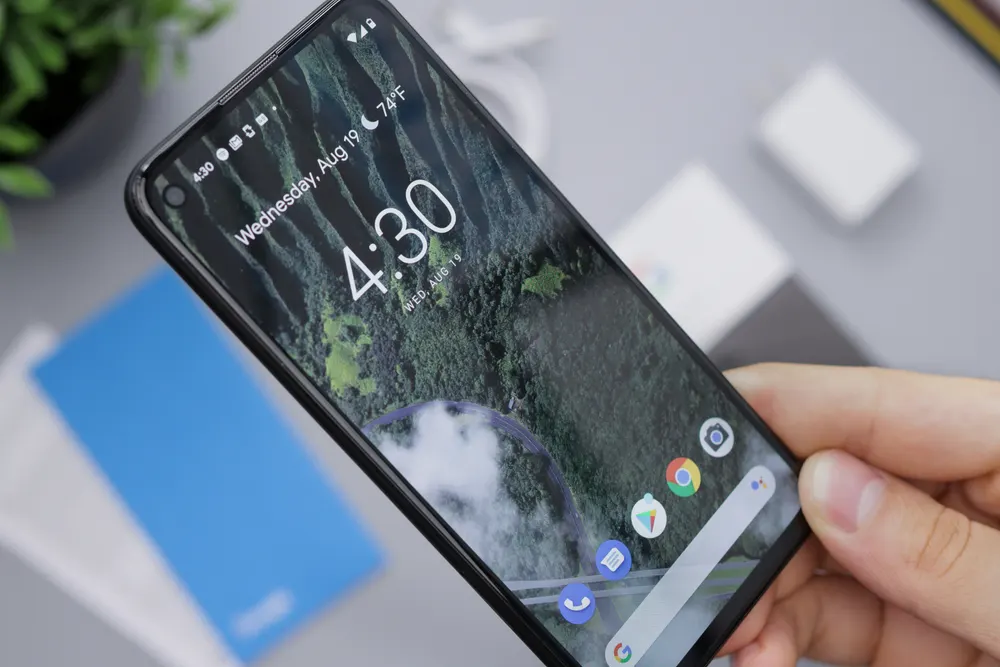
First, we map Android coverage around your users, priority regions, common devices, OS versions, and product risk.
In addition, defects include reproduction steps, screenshots, videos, Android version, device model, severity, and expected behavior.
Finally, your team receives a practical summary that separates blockers from lower-risk issues before release.
For example, we validate onboarding, login, search, checkout, booking, subscriptions, settings, account actions, and app-specific workflows.
Also, we check selected Android phones, tablets, OS versions, screen sizes, resolutions, orientation, and UI consistency.
Next, our Android QA testers validate APK or AAB installs, updates, app data migration, first launch, and upgrade risk.
In addition, we test camera, location, files, contacts, microphone, notification permission, deep links, and denied-permission states.
Then, we review visible issues around slow screens, freezes, crashes, API delays, background behavior, and poor network conditions.
Finally, we help catch launch risks around core flows, payments, subscriptions, broken links, policy-sensitive screens, and release blockers.
Share your app type, target devices, Android versions, build status, and launch date. Then, we will suggest a focused Android app QA scope.
Android platform coverage
Android testing needs a different plan from iOS because device variety is much wider. As a result, we focus coverage where compatibility issues are most likely to affect real users.
For Android, we test core flows, navigation, device states, permissions, notifications, installs, updates, crashes, and release blockers.
For device coverage, we review popular phones, tablets, OS versions, screen sizes, and regional device patterns before testing starts.
Then, we validate release builds, report defects with evidence, retest fixes, and share final QA notes before submission or launch.
In addition, we can recommend device and OS coverage based on your users, launch region, product risk, and budget.
Why outsource Android app testing
Many teams can test on a few phones, but Android quality usually needs broader device thinking. Therefore, when you outsource Android app testing to Testers HUB, your team gets independent review, structured coverage, documented defects, and retesting support without a long hiring cycle.
QA process
The process is easy to start and simple to follow. You share the build, device priorities, test goals, and deadline. After that, we return structured findings your team can act on.
First, we review your app type, target users, Android versions, device priorities, release date, and known risk areas.
Next, we recommend Android device, OS, screen-size, and real-device coverage based on users and budget.
Then, our testers validate core journeys, edge cases, app states, permissions, notifications, and selected device coverage.
After that, you receive defects with steps, screenshots, videos, severity, device model, OS version, and expected results.
Finally, after fixes, we retest important issues and share a release summary so your launch decision is clearer.
Before testing starts, we can review your Google Play goals, APK or AAB build, Android device coverage, timeline, and release risks.
Use cases
Different Android apps fail in different ways. For that reason, we shape testing around your user expectations, transaction flow, data sensitivity, device usage, and release model.
Case study snapshot
This example shows how Android testing support can help a team manage device fragmentation, Google Play readiness, regression risk, and launch confidence.
A UAE-based ecommerce team preparing for users in the UAE and US markets needed Android app testing before a Google Play release. First, we reviewed the APK build, device priorities, checkout flow, product search, push notifications, payment-related screens, and account states. Then, we tested priority flows across selected Android devices, reviewed install and update behavior, checked compatibility risks, and documented defects with device model, OS version, screenshots, and videos.
Android app testing packages
Android app testing cost usually depends on screens, user flows, Android device coverage, OS versions, test cycles, integrations, and release risk. Therefore, these packages keep pricing easy to understand while still allowing an exact quote for your app.
This package is best for Android MVPs, early-stage apps, and basic release validation.
Choose this for startup apps, MVPs, and production-ready Android releases.
Designed for feature-rich Android apps, complex workflows, and high-risk releases.
Use this for SaaS apps, funded startups, and Android products with frequent releases.
Tools and environments
We adapt to your workflow and reporting stack. Therefore, the goal is simple: useful Android test coverage, clear evidence, and bug reports your developers can reproduce.
Internal QA paths
If your scope includes iPhone testing, broader mobile QA, automation, manual testing, pricing, or ongoing QA support, the related pages below can help you compare the right service option.
Android app testing FAQs
These answers are written for founders, product managers, agencies, and software teams comparing Android app testing services before launch.
Android app testing services validate an Android app across real devices, OS versions, screen sizes, OEM behavior, permissions, installs, updates, push notifications, app states, integrations, compatibility, regression, and Google Play release risk.
Yes. Testers HUB plans real Android device testing around your target users, app risk, markets, and budget. In addition, cloud device platforms can be used when broader coverage is needed.
Yes. Teams outsource Android app testing to Testers HUB when they need independent Android QA testers, device coverage, clear bug reports, regression support, and faster release feedback without adding permanent QA headcount.
Android app testing cost depends on app size, feature depth, device matrix, OS version coverage, test cycles, integrations, timeline, and reporting needs. Focused validation starts lower, while broad real-device testing requires a larger scope.
Yes. Android compatibility testing checks selected phones, tablets, OS versions, screen sizes, resolutions, permissions, app states, OEM variations, network conditions, and platform-specific flows.
Yes. We can test APK or AAB builds before Google Play release, validate important user journeys, report defects with evidence, retest fixes, and share a practical release summary.
Share your app type, target Android devices, build status, timeline, and testing goals. Then, we will recommend a practical Android QA scope and quote.