Choose the right coverage
First, we review analytics, audience locations, product type, devices, browsers, and critical workflows.

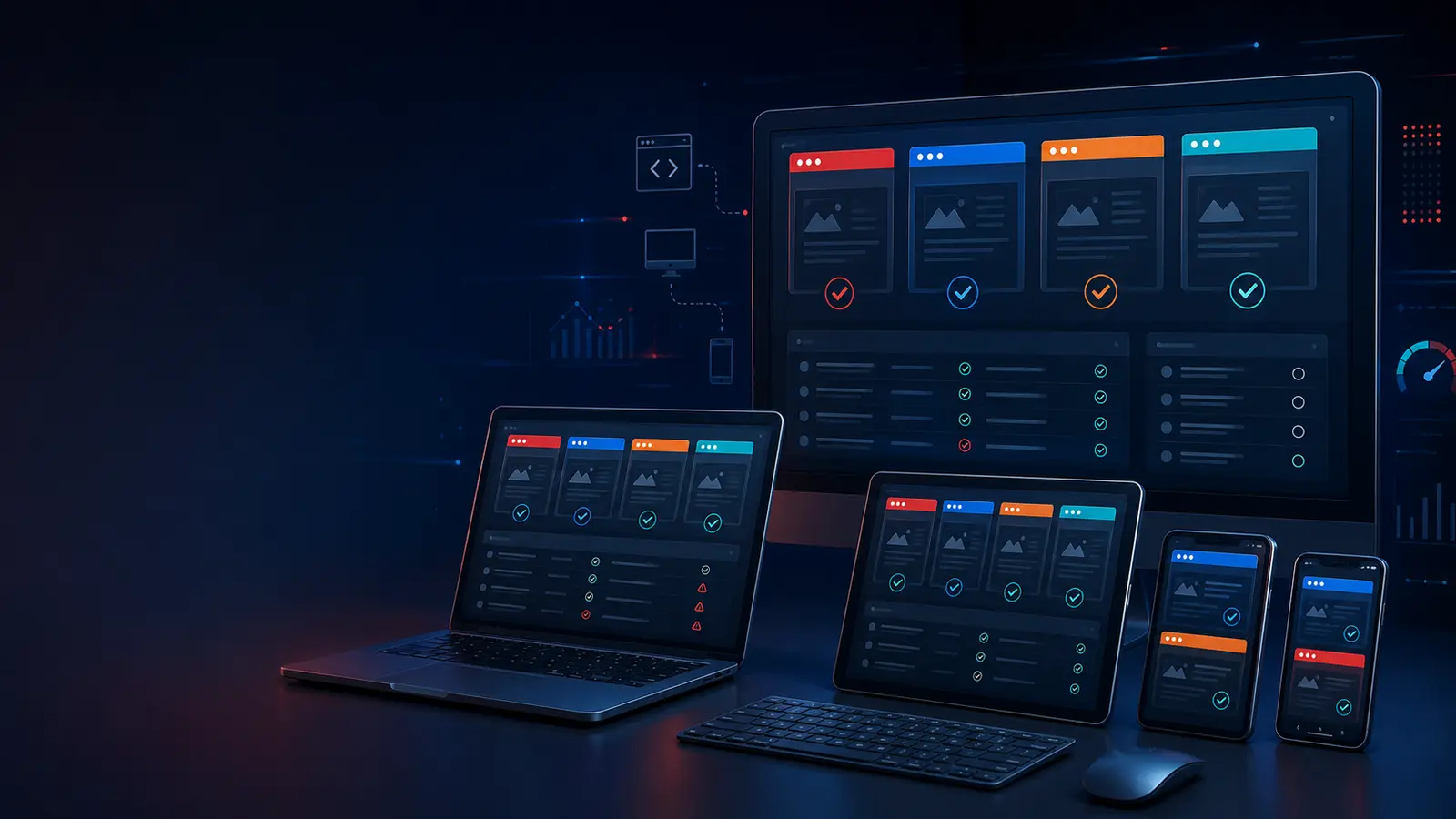
Cross-browser testing services for websites, web apps, SaaS, ecommerce, and responsive product experiences
Testers HUB helps teams catch layout, interaction, responsive, and browser-specific defects before customers see them. Our browser compatibility testing services cover desktop and mobile browsers, operating systems, viewport sizes, real device checks, screenshots, and clear bug reports.
What we test
Browser issues are often small enough to miss during development, yet visible enough to damage trust. Therefore, our cross-browser testing services focus on real user journeys, responsive behavior, and high-risk pages rather than only checking a homepage screenshot.
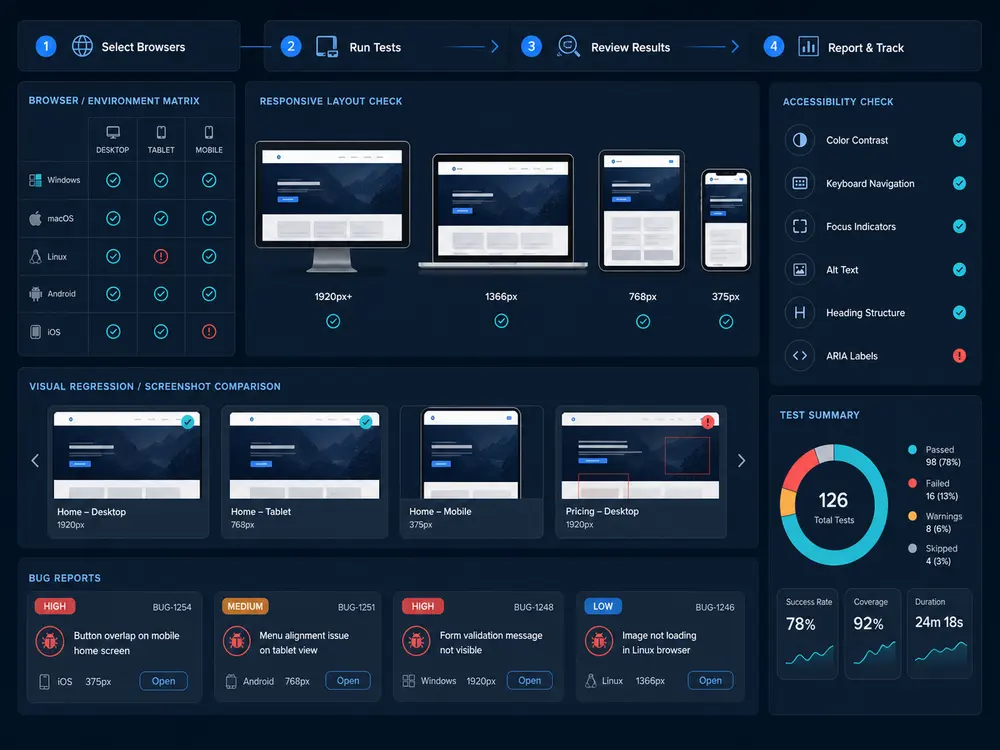
First, we review analytics, audience locations, product type, devices, browsers, and critical workflows.
Next, we check forms, navigation, checkout, search, dashboards, media, account flows, and responsive states.
Finally, every relevant issue includes browser version, device, screen size, screenshots, steps, and expected behavior.
Check Chrome, Safari, Firefox, Edge, and mobile browsers for rendering, behavior, and workflow differences.
Validate desktop, tablet, and mobile layouts across breakpoints, orientations, menus, typography, and image behavior.
Test dashboards, logged-in states, forms, tables, modals, file uploads, filters, and account journeys across browsers.
Review search, product pages, cart, checkout, coupons, payment steps, and confirmation flows across priority environments.
Find font, spacing, image, alignment, animation, sticky header, popup, and component issues that affect trust.
Recheck affected browser and device combinations so fixes do not create new responsive or compatibility issues.
Platforms and tools
A tool can capture screenshots, but it cannot always judge whether a broken menu, awkward tap target, or checkout layout will confuse users. For that reason, we combine compatibility platforms with human QA review and clear defect reporting.
Experience based scenario
For a UK-based ecommerce team, cross-browser testing before a seasonal sale can uncover Safari checkout layout problems, mobile menu overlap, coupon validation differences, and image loading issues. After fixes, retesting the affected browser and device combinations gives the team a cleaner launch path.
Select target browsers, devices, operating systems, and viewports based on users and risk.
Test pages and workflows that directly affect signups, purchases, demos, leads, or support.
Report browser, device, version, viewport, screenshots, steps, and expected behavior.
Retest the impacted combinations and summarize remaining compatibility risks.
FAQ
These answers help teams choose practical browser coverage without making the test scope unnecessarily large.
Usually no. Instead, we prioritize browsers and versions based on analytics, customer geography, device usage, business risk, and launch goals.
Yes. We can test authenticated dashboards, account settings, role-based pages, forms, tables, filters, uploads, and admin workflows.
Yes. Responsive testing covers breakpoints, orientation changes, touch interactions, sticky elements, menus, font rendering, spacing, and visual hierarchy.
Yes. Reports include browser name, version, OS, device or viewport, reproduction steps, actual result, expected result, and evidence.