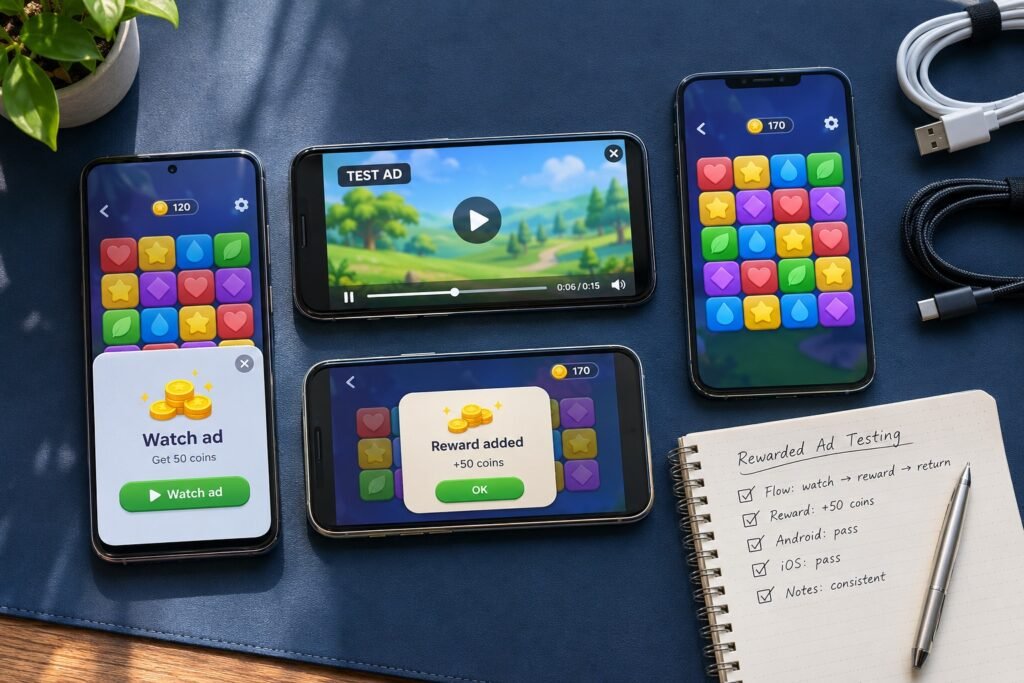
Evaluate Android app testing services by asking which build, devices, workflows and follow-up checks the provider will cover. A useful proposal names the selected Android configurations, explains the evidence you will receive and identifies what remains outside the assignment. A long tool list or a promise of five-star ratings does not establish that coverage.
This guide helps buyers define an Android release-testing assignment. For Testers HUB’s delivery scope and quotation process, review our Android App Testing Services. The examples below are illustrative; they do not describe completed client testing.

1. Start With the Android Release You Need to Validate
Describe the release before asking for a price. Is it a first launch, a maintenance update or a change to an existing subscription flow? Existing users may bring saved data, permissions and sessions that a fresh installation does not exercise. Supply the build version, known changes, priority journeys, target users and release date.
Confirm how testers will install the build and which environment they will use. An Android App Bundle is a publishing format from which Google Play generates APKs for device configurations. Agree an appropriate testing distribution route rather than treating an AAB as interchangeable with an installable APK. See Android’s App Bundle documentation.
- Identify supported Android versions and device priorities using your users and release risks.
- Provide approved test accounts, account states and suitable test data.
- Name required integrations and confirm sandbox access.
- Separate required checks from optional coverage and known exclusions.
- Agree when a stable build and prerequisites will be ready.
Developer checks can establish useful component and integration coverage. Independent QA adds a separate examination of agreed user journeys and failure conditions. Ask how the two teams will share coverage and triage findings so each knows what the other has checked.
2. Ask for a Real Android Device Matrix
A device count is a starting point. Ask for named models, Android versions, access arrangements and the journeys assigned to each configuration. A few smoke checks across several phones are a different assignment from deeper workflow testing on each phone.
On smaller screens, swipe sideways to read both columns.
| Buyer question | Evidence to request |
|---|---|
| Which devices are included? | Named manufacturers and models, with the reason each matters to your audience or release risk. |
| Which Android versions? | The version on each device and any required configurations that are unavailable or excluded. |
| Are devices local, cloud-hosted or emulated? | The environment used for each check, access availability and limitations relevant to your scenarios. |
| What runs on each device? | A workflow-to-device matrix distinguishing installation, smoke checks and deeper functional coverage. |
| Are tablets or foldables needed? | An explicit scope for supported screen sizes, resizing or posture changes where these matter to the product. |
| What happens if another device is required? | Availability, additional cost, scheduling and approval terms before expanding coverage. |
Physical devices may be accessed locally or remotely; cloud access does not automatically mean an emulator. Ask which environment is suitable for the actual requirement. Android supports instrumented tests on hardware devices and emulators, but the selected test and configuration still determine what the result demonstrates. Android’s testing documentation explains these environments.
3. Compare Workflow Coverage, Not Screen Count
Ask what the tester will do and what evidence establishes the result. Depending on the app, coverage may include onboarding, login, permission choices, notifications, subscriptions, payments, deep links, installation, upgrades, background/resume and network recovery. Each item requires agreed expected behavior; the list is not a promise that every package includes every scenario.
Illustrative proposal comparison: two providers each list four Android devices. Proposal A includes a fresh install and a short navigation check on each. Proposal B assigns fresh-install checks to all four, then adds an upgrade from the previous supported build, notification entry and background/resume checks on two priority configurations. Both proposals need clear exclusions. Neither device count alone tells the buyer which release risks are covered.
For an app where these features matter, request checks such as:
- Upgrade: start with the supported earlier build and saved account data; verify the agreed migration and sign-in behavior after updating.
- Permission denial: decline a requested permission; verify the documented fallback and recovery path without assuming unrelated features must stop.
- Notification entry: open an approved test notification in the agreed app/session states; verify the intended destination and account access.
- Interrupted transaction: background the app or lose connectivity at an agreed step; compare the resumed screen and recorded outcome with the product’s recovery rules.
These are proposed checks, not defect findings. Ask the provider to estimate the chosen states and configurations. For budget planning, use our mobile app testing cost guide.
4. Check the Quality of Defect Evidence
Request an anonymized sample report or agree a report format. A developer should be able to identify the tested build, reproduce the starting state and understand the difference between expected and observed behavior.
- Build/version, environment, device model and Android version.
- Starting account, permission, network and application state where relevant.
- Reproduction steps and expected behavior linked to the requirement.
- Actual behavior and reproducibility information.
- Severity with a practical explanation of impact.
- Screenshots or video where useful, with sensitive data excluded.
- Retest status, tested fixed build and any remaining limitation.
A release summary should also identify completed coverage, blocked checks, untested areas and unresolved risks. QA supplies evidence for the release owner’s decision; it does not guarantee store approval, ratings or a defect-free release.
Keep specialist claims precise. Functional testing may reveal slow screens or visible access problems. Formal security assessments, penetration testing, compliance certification and backend load testing require separately confirmed capability and scope. A passing functional checklist does not establish those results.
5. Understand Retesting and Regression
Fix verification, often called retesting, repeats the relevant original failure conditions on a corrected build. Regression checks working behavior that a change may affect. Ask for these activities to be identified separately, with the builds, devices, account states and allocated cycles stated.
For example, a corrected notification destination may need verification of that destination plus selected checks around authentication and other notification entry points. The required regression scope depends on the change and its dependencies, not merely on whether the original defect is marked fixed.
Check the current mobile testing package terms before assuming follow-up is included. Agree how replacement builds, unavailable access and additional cycles affect time and cost. Record verified fixed, failed verification, blocked and not-executed outcomes separately.
6. Choose One-Time Android QA or Ongoing Mobile Support
A defined Android release may suit a focused assignment with agreed journeys, configurations, reporting and follow-up. Regular releases may need continuing tester capacity, retained product knowledge and priorities that can change within the agreed allocation. For recurring support, review options to hire mobile app testers.
If the same product also needs iPhone coverage, discuss the shared workflows and platform-specific checks through Mobile App Testing Services. Android evidence does not establish iOS behavior.
Before booking, confirm the scope, build handover, account access, device availability, reporting owner and retesting terms. For a US release team, agree communication hours, triage arrangements and how release-blocking findings will be escalated. Reserve the final deployment decision for your product’s release owner.
Questions About Evaluating Android QA Services
What should I look for in an Android app testing company?
Request a proposed device/workflow matrix, a reproducible defect-report format, clear exclusions and explicit retesting terms. Evaluate relevant permitted evidence and the provider’s ability to explain the limits of its coverage.
How many Android devices should my provider test?
There is no universal number. Select configurations around supported users, manufacturers, OS versions, important workflows and budget. Ask which checks run on each device and what additional coverage would cost.
Should I request real devices or emulators?
Request the environments appropriate to the agreed checks and identify them in the report. Physical devices and emulators can support different parts of the testing plan; confirm any limitations for your hardware, integrations and device-state scenarios.
What should an Android QA report contain?
It should identify build, device, OS, starting state, reproduction steps, expected and actual behavior, severity and useful evidence. Include retest status where follow-up was performed, plus a summary of coverage and remaining risks.
Is retesting included in Android app testing?
It depends on the agreed engagement. Check the current package terms and quote for included cycles, separately charged fix verification or regression, and how work fits any monthly allocation.