
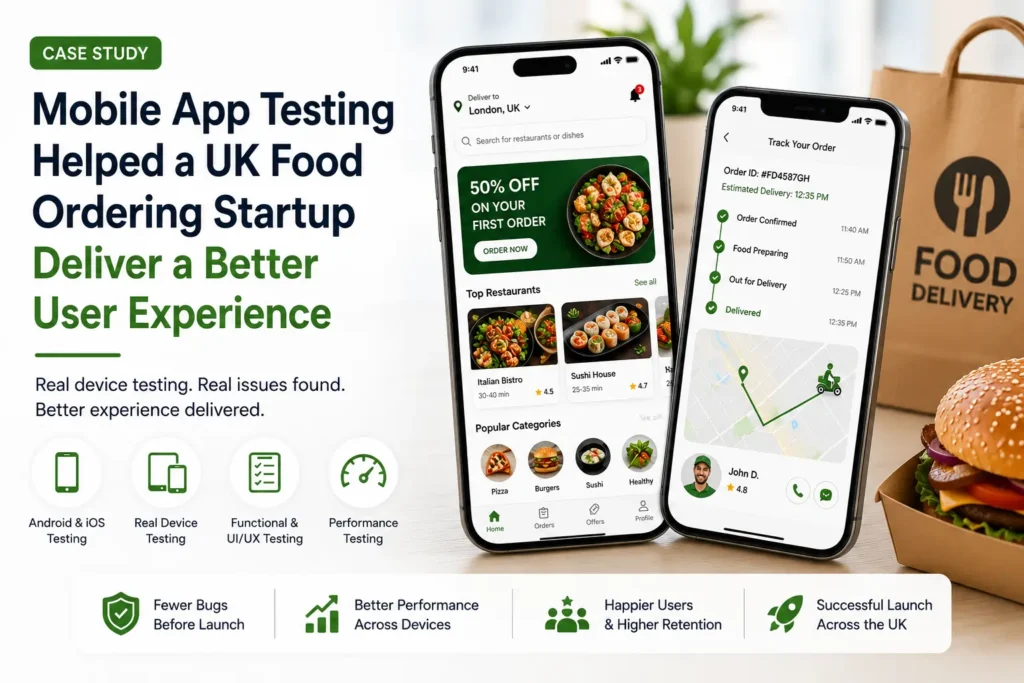
How a UK Food Delivery Startup Found Hidden User Issues Before Public Launch
Need similar coverage for your app? Explore our mobile QA services for real-device iOS and Android testing, defect evidence and retesting.
A few months ago, a UK startup building a food ordering application contacted Testers HUB shortly before its planned public release.
Development had already taken several months, and from the team’s perspective, things looked ready.
Orders could be placed successfully.
Restaurants were loading properly.
Payments appeared stable.
Basic functionality worked exactly as expected.
However, once a limited beta version was released to early users, minor complaints began to appear.
At first, the startup team wasn’t overly concerned.
One user mentioned that restaurant images occasionally loaded slowly while browsing during a train journey.
Another user reported selecting a saved home address but seeing a different delivery location appear before checkout.
Meanwhile, a few iPhone users mentioned that order updates occasionally arrived later than expected.
Individually, none of these seemed like major problems.
However, food ordering apps operate differently from many other products.
People generally use them when they are hungry, in a hurry, or distracted.
Small frustrations often become abandoned orders.
The startup realized something important.
Most internal testing had happened using developer devices on stable office WiFi connections.
Real users behaved differently.
Some switched between applications while ordering.
Others used mobile data while travelling.
Many had several apps running in the background.
That was when the startup decided to hire mobile app testers to simulate realistic user behavior before launching across multiple UK cities.
Mobile App Testing Services
Preparing to Launch Your Mobile App?
Hidden bugs often appear only when real users start using your app across different devices and networks. Find them before your customers do.
About the Project
The client was a UK-based startup developing a food ordering application for both Android and iOS users.
The application included:
- Restaurant listings
- Order tracking
- Multiple payment methods
- Saved addresses
- Push notifications
- Discount coupons
- User accounts
- Real-time delivery updates
The objective was simple:
Deliver a smooth user experience before spending heavily on customer acquisition campaigns.
Our Mobile App Testing Approach
To understand what actual users would experience, our QA team performed complete mobile app testing services using real devices and practical user scenarios.
Testing included:
Android App Testing Services
- Functional testing
- Device compatibility testing
- Checkout validation
- Performance testing
- Address handling validation
iOS App Testing Services
- Notification testing
- Functional testing
- Navigation testing
- Background activity validation
Additionally, we performed:
- Real device testing
- Network condition testing
- Regression testing
- UI/UX testing
- Checkout flow testing
Rather than testing only ideal scenarios, we intentionally created situations where real users typically experience issues.
Devices & Testing Environment
To simulate actual usage behavior, testing was completed across multiple devices.
Android Devices
- Samsung Galaxy A Series
- Google Pixel devices
- Redmi Note devices
- OnePlus devices
iOS Devices
- iPhone 11
- iPhone 12 Pro Max
- iPhone 13 Pro
- iPhone 14
- iPhone 16 Plus
- iPhone 17 Pro
Additional testing conditions included:
- weak mobile networks
- switching between WiFi and mobile data
- background applications
- low battery conditions
- interrupted sessions
Android & iOS Testing Services
Launching on Android and iPhone Devices?
Ensure your app works smoothly across multiple devices, screen sizes, and operating systems with real-device testing.
Hidden Issues We Found During Testing
Several important issues surfaced during testing.
Checkout Screen Freezing During Longer Sessions
After navigating through several restaurants and adding multiple items, we noticed occasional freezes during checkout.
Interestingly, this didn’t happen immediately.
The issue generally appeared after users spent several minutes browsing.
A customer reaching the payment stage and seeing the application stop responding could easily assume payment failed.
For a food ordering app, this directly affects completed orders.
Delayed Delivery Notifications on iPhone Devices
During iOS app testing services, notification timing behaved differently on certain iPhone models.
For example:
One test scenario showed:
“Your food is arriving”
appearing after delivery status had already changed.
While technically notifications were working, the timing created confusion.
Saved Address Updating Incorrectly on Android Devices
During Android app testing services, we discovered an issue involving multiple saved addresses.
For example:
Users switching between:
- Home
- Office
- Saved locations
occasionally saw outdated delivery information remain active.
Although not every user encountered it, incorrect delivery locations would create serious customer issues after launch.
Restaurant Images Loading Slowly on Mobile Networks
Restaurant listings worked perfectly over office WiFi.
However, once testing moved to mobile network conditions, image loading became noticeably slower.
During practical testing scenarios like commuting or travelling, browsing felt inconsistent.
Because food apps rely heavily on visual content, slower loading directly affected the user experience.
Promo Code Validation Problems
Some promotional codes worked correctly when selected initially.
However, during checkout, discounts occasionally disappeared before payment confirmation.
Users generally become very sensitive when pricing changes unexpectedly.
This issue had the potential to increase abandoned orders.
How Testers HUB Helped
Our QA team documented:
- exact reproduction steps
- device information
- screenshots
- video recordings
- severity levels
- user observations
Additionally, we shared recommendations regarding:
- notification handling
- checkout optimization
- image loading improvements
- performance behavior
- usability improvements
As a result, the development team reproduced issues much faster and implemented fixes before launch.
Hire Mobile App Tester
Need Extra QA Support Before Launch?
Hire experienced mobile app testers to validate user flows, payments, notifications, compatibility, and real-world performance across Android and iOS devices.
Final Outcome
After fixes and validation, the startup observed several improvements:
- smoother checkout experience
- improved notification timing
- reduced application freezes
- better Android compatibility
- stronger iOS performance
- improved browsing experience
Most importantly, the startup launched with much greater confidence before beginning customer acquisition campaigns across the UK.
Early customer feedback after release also became noticeably more positive.
Need Mobile App Testing Support?
If your app is preparing for launch, external QA testing can help identify hidden issues before users discover them.
Testers HUB provides:
- Mobile App Testing Services
- Android App Testing Services
- iOS App Testing Services
- Real Device Testing
- Startup Testing Support
- Hire Mobile App Tester Services
Frequently Asked Questions
Why should startups hire mobile app testers?
External testers often identify real-world usability and compatibility issues that internal teams miss.
Why is iOS app testing different from Android testing?
Different operating systems behave differently in areas like notifications, permissions, and background activity.
Why are mobile app testing services important?
Testing helps identify performance, usability, and functionality issues before customers encounter them.
Does Testers HUB perform real device testing?
Yes. Testers HUB performs testing across multiple Android and iOS devices under real-world conditions.