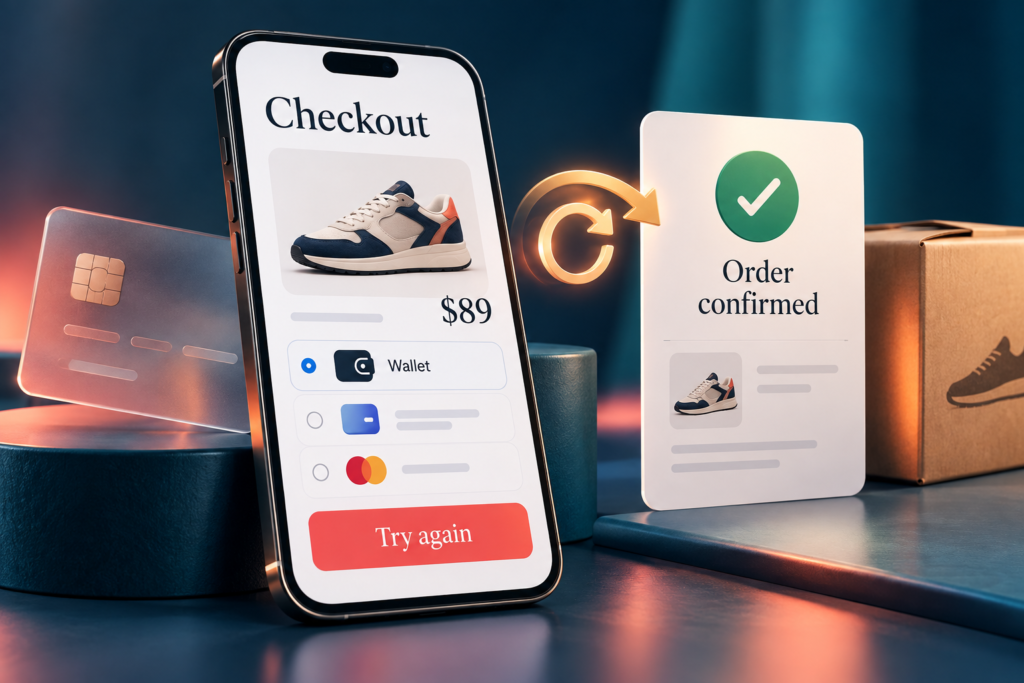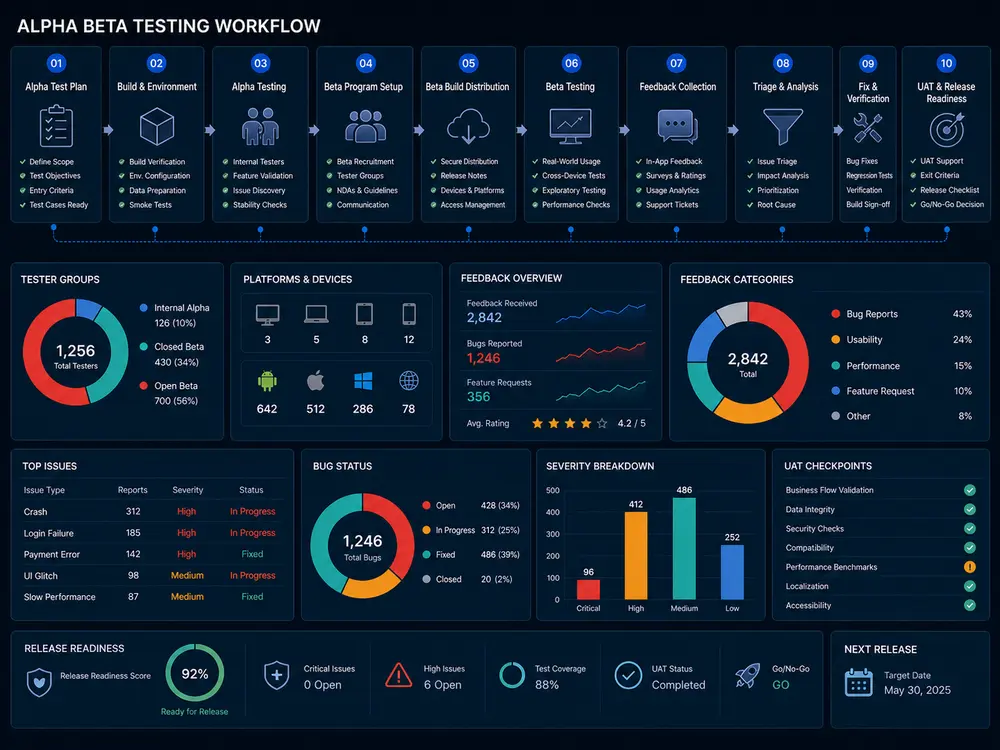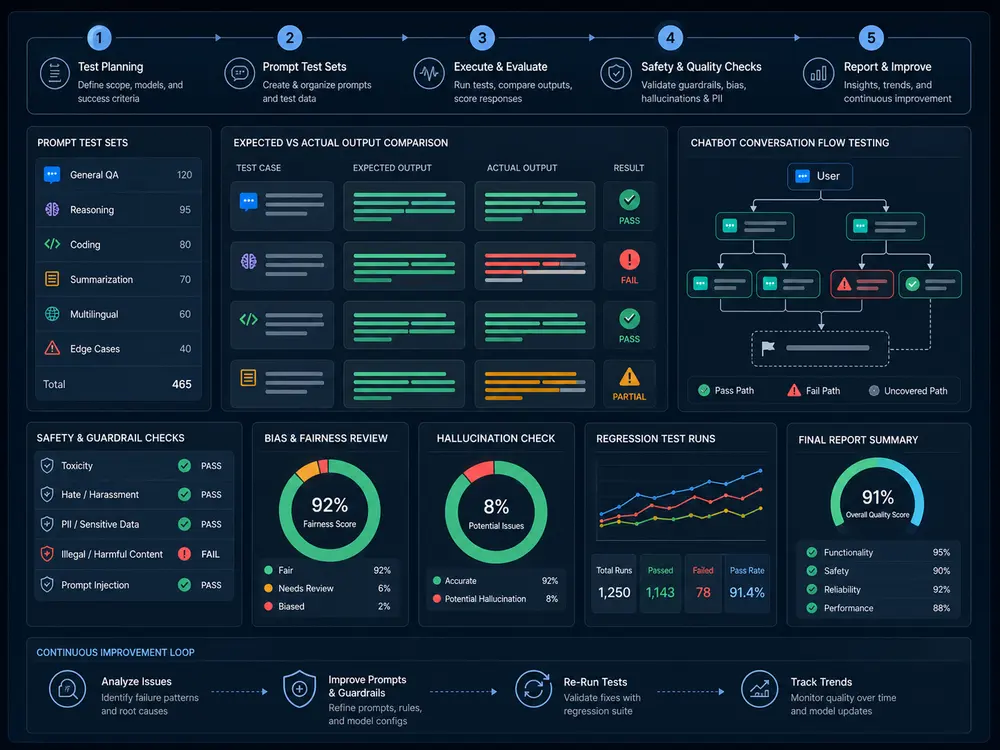
A release can look correct in an administrator’s browser and still fail for a member on another plan. A successful payment can leave feature access unchanged. An import can finish while a report quietly includes the wrong records. B2B SaaS release testing needs to follow these connected states, not just check that screens open.
This guide helps product teams select regression checks before deployment. For hands-on planning and execution, our SaaS testing services cover customer, admin and integration workflows. The scenarios below are illustrative test recommendations, not claims of defects discovered in a client project.
What should a SaaS release regression plan cover?
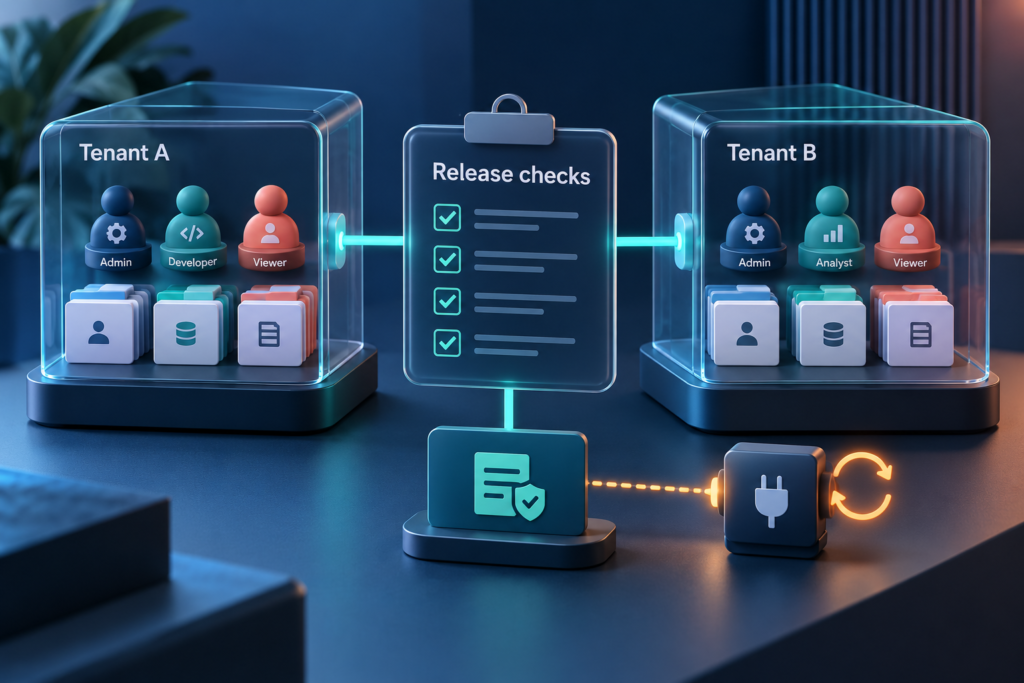
Start with changed features and their dependencies: tenant boundaries, role permissions, subscription entitlements, integration events and data outputs. Include successful actions, denied actions and recovery after failure. Record the expected state at each handoff, the test account used and the evidence needed to decide whether the release is ready.
Before testing, agree the build, environment, permission rules, plan rules and release criteria. Use approved test tenants and synthetic data. Keep destructive operations and billing simulations in an authorized non-production environment. Functional boundary checks do not replace a separately scoped security assessment or performance test.
1. Tenant isolation: check where data travels
Release trigger: a shared search, export, notification or workspace-switching feature changes.
Scenario: create distinctive test records in two separate tenants. Using each tenant’s approved account, check lists, search results, detail links, exports and notifications. Switch workspaces in the same session and repeat the affected workflow. Include background jobs, not only the visible page.
Expected result: each account sees and changes only the records its tenant and permissions allow. Cached results, downloadable files and queued messages preserve the correct ownership. A shared-resource exception must follow an explicit business rule.
Evidence: tenant labels, account role, record references, request outcome and redacted output. A screenshot of an empty list alone does not prove that the corresponding API or export enforces the same boundary.
2. Roles and permissions: test changes in existing sessions
Release trigger: a custom role, permission rule, invitation flow or administrative action changes.
Scenario: check both allowed and denied actions for the affected roles. Remove an export permission while the member has a page open, then test the existing session and a fresh sign-in. Include an approved direct request to the same action, rather than relying only on a hidden button.
Expected result: server-side authorization follows the approved policy; a stale interface does not grant access. Deactivated users and revoked permissions behave according to the defined enforcement rules. Normal work still succeeds for an authorized role.
Evidence: before/after permissions, session state, timestamp and request result. OWASP’s authorization guidance recommends validating permissions on every request and testing the agreed access rules.
Discuss Your SaaS Release Scope
3. Plans and billing: follow the entitlement transition
Release trigger: trial limits, pricing configuration, upgrades, downgrades or cancellation behavior changes.
Scenario: follow a plan change from the billing test environment into the internal subscription record, feature access and customer message. Compare an existing session with a new login. Exercise immediate changes and changes scheduled for the next billing period separately.
Expected result: access changes at the agreed time, usage limits match the active plan and payment failures follow the defined grace-period or recovery policy. Do not assume every cancellation should remove access immediately.
Evidence: plan before/after, effective time, test event reference, entitlement result and invoice state where available. Our subscription and entitlement QA Lab scenario provides a separate planning example; it is not a claimed client outcome.
4. APIs, webhooks and integrations: check recovery, not just success
Release trigger: an integration mapping, webhook consumer, API response or synchronization job changes.
Scenario: deliver a test event, replay it, delay it and simulate a temporary downstream failure using approved controls. Where relevant, deliver events out of order. Compare the originating system, processing record, application state and customer-facing result.
Expected result: duplicate delivery does not duplicate the business action, a stale event does not incorrectly overwrite current state, and a failed handoff has an observable recovery route. A successful HTTP response alone is not evidence that every downstream step completed.
Evidence: redacted event identifiers, timestamps, retry history and final state. Stripe documents duplicate events and non-guaranteed ordering in its webhook guidance; use your actual provider’s contract when defining expected behavior.
5. Imports, reporting and auditability: reconcile the results
Release trigger: a field mapping, calculation, export format or batch-processing rule changes.
Scenario: import a controlled file containing valid, invalid and duplicate rows. Interrupt and resume the operation where supported. Compare accepted/rejected counts, saved records, filtered reports and exported totals. Check the role and tenant receiving each output.
Expected result: partial failures are visible, retries follow the agreed duplicate-handling rule and totals reconcile with the source data. Audit records identify the actor, action, relevant object and time without exposing secrets. Date ranges and time zones follow the reporting specification.
Evidence: input sample, processing summary, reconciliation calculation, export and redacted audit entry. Large-volume behavior requires agreed data sizes, concurrency and performance thresholds; a small functional sample cannot establish capacity.
A compact SaaS release-risk matrix
Use Tenant × Role × Plan × Integration × Workflow to identify meaningful combinations. Start with changed paths, customer-critical actions and known failures. These sample rows are not an exhaustive test suite or completed execution results.
| Tenant / role | Plan / integration | Workflow and release check |
|---|---|---|
| Tenant A / Member | Paid / Reporting API | Permission revoked: export is denied in the existing session. |
| Tenant B / Admin | Trial / Billing sandbox | Upgrade: feature access follows the confirmed effective plan. |
| Tenant A / Owner | Paid / Billing webhook | Duplicate event: no duplicate entitlement change or notification. |
| Tenant B / Manager | Paid / Import job | Partial import: accepted rows reconcile and failed rows are identifiable. |
| Tenants A and B / Viewer | Different plans / Export service | Workspace switch: reports and files remain correctly scoped. |
Add a test owner, build reference, expected result and execution status to each selected case. Mark unavailable checks as blocked or not run, not passed. Expand coverage when shared components affect additional combinations.
What a confirmed onboarding blocker teaches us
In an anonymized Testers HUB engagement, users could not continue beyond Profile Information because an address-field issue blocked onboarding on desktop Safari and iOS Safari. The agreed coverage also included desktop Chrome and Firefox, plus Android Chrome. Our Safari onboarding regression article describes that confirmed finding.
This is browser-workflow evidence, not proof of a tenant, billing or RBAC defect. It illustrates why the entry journey belongs beside the SaaS-specific checks. Repeating valid and rejected address inputs across the supported browsers is a recommended regression addition; no completed fix or test-suite update is claimed here.
Choose a release gate, not just a bug count
- Confirm which build and environment were tested.
- Complete the agreed critical workflows and negative access checks.
- Reconcile subscription, integration and reporting states where in scope.
- Record unresolved defects, blocked checks and untested combinations.
- Retest delivered fixes and run the agreed regression checks around affected areas.
- Give the release owner a clear evidence summary and residual-risk list for the deployment decision.
Automate repeatable checks where stable data and expected outcomes are available. Keep exploratory review for unexpected state combinations, confusing recovery messages and changed workflows. Browser-specific coverage can be scoped through web application QA; recurring release support can be arranged through QA On-Demand. Test and retest cycles should be agreed in the proposal, not assumed to be unlimited.
Questions teams ask before SaaS regression testing
What should be tested in a multi-tenant SaaS application?
Check data ownership, tenant-specific settings, user permissions, plan entitlements and connected workflows. Include search, exports, notifications and background jobs because tenant boundaries extend beyond the dashboard.
How do you test RBAC in SaaS?
Build an allowed/denied action matrix for each relevant role. Test enforcement through the interface and authorized API checks, including role changes, existing sessions, deactivated users and access to another tenant’s test records.
How should SaaS subscription changes be tested?
Compare billing state, effective dates, feature access and customer messages before and after a change. Cover trials, upgrades, downgrades, renewal failures and cancellation according to the product’s documented rules.
What should be included in SaaS regression testing?
Include release-critical customer journeys, changed features, connected dependencies and previously confirmed defects. Select role, tenant, plan and integration combinations by risk, and document the coverage that remains outside the release scope.
How do you test SaaS webhooks?
Use approved test events to check normal delivery, duplicates, delays, ordering and downstream failure. Verify authentication or signature handling as applicable, then reconcile the final business state rather than checking only the endpoint response.
What can go wrong between tenants in a SaaS platform?
Search results, cached settings, files, messages or background jobs can become associated with the wrong workspace if boundaries fail. Test with separate synthetic tenants and explicit expected ownership; do not use another customer’s production data.
Get a QA scope for your next SaaS release
Share your changed features, user roles, subscription plans, integrations and release date. Include the build availability, target browsers, test accounts and retesting expectations. Testers HUB can recommend regression coverage and QA effort for a focused release or recurring support.