A mobile game can pass a quick playthrough and still fail when a player changes networks, resumes after a call, restores a purchase, or reaches a later level on an older phone. A useful testing plan turns those risks into explicit checks before the release build is locked.
This guide shows how to choose coverage across gameplay, devices, stability, monetization, and player experience. It is a planning framework—not a claim that any fixed device count or crash-rate target fits every game. If you need a team to execute the plan, see our mobile game testing services for Android and iOS builds.
Start with the player journeys that could block a launch
List the actions a new player must be able to complete: install, first launch, account or guest entry, tutorial, first meaningful gameplay session, save or progression, and return to the game. Then add the systems that matter to your title—rewards, ads, purchases, multiplayer, events, cloud saves, or social features. A crash is serious, but a player who cannot claim a reward or resume progress may leave without ever seeing a crash.
For each journey, record the expected result, the build and account state, the devices that need coverage, and the evidence a tester should capture. Mark release blockers separately from cosmetic issues so the team can act on the findings.
Build the plan in layers
Gameplay and functional checks
Validate controls, menus, levels, objectives, progression, inventory, rewards, and save/load behavior against the current game rules. Include interrupted paths: close the app during a tutorial, background it during a reward, or resume after an incoming call. Check that the player returns to the right state and cannot gain or lose an entitlement incorrectly.
Compatibility and stability
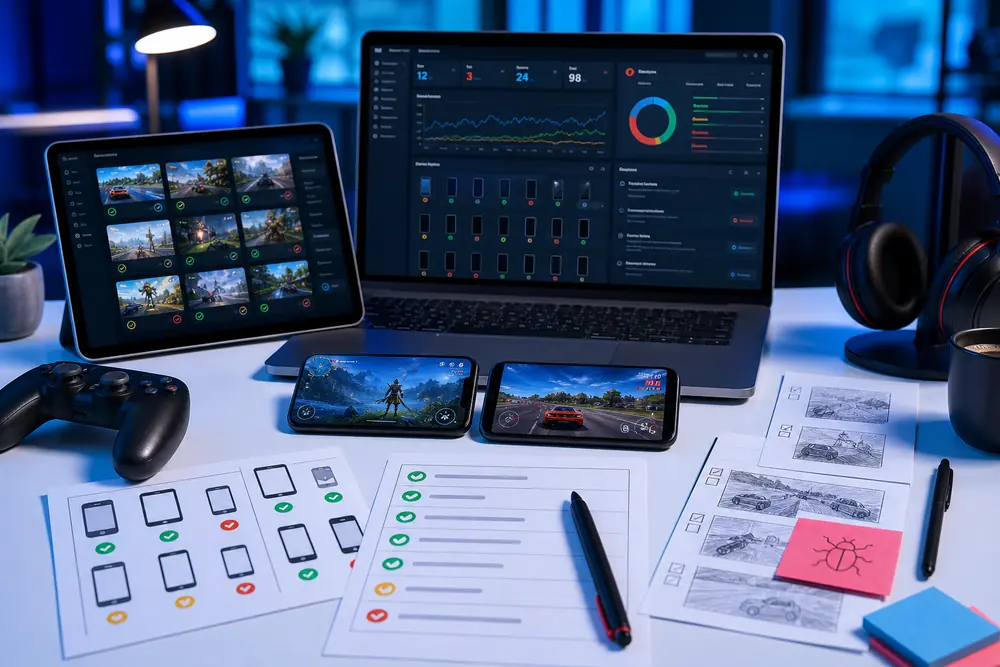
Test on an agreed mix of real iOS and Android devices, not just one developer phone or an emulator. Look for device-specific crashes, clipped controls, orientation problems, long load times, memory pressure, heat, and frame-rate drops during sustained play. Record the build, OS, device, reproduction steps, and logs or video where available. If a crash appears on only one model, that environment detail is part of the defect, not a footnote.
Network and multiplayer behavior
For connected games, test a loss of connection, Wi-Fi-to-cellular switching, reconnect, duplicate taps during a slow response, and an app restart during synchronization. Multiplayer plans should also cover joining, leaving, matchmaking, session recovery, and the consistency of player state between participants.
Monetization, localization, and release checks
Use approved sandbox accounts to check successful, cancelled, pending, and failed purchase flows. Verify restoration and that a rewarded ad grants the intended reward once. For each launch language, review text overflow, currency and number presentation, and any layout affected by longer strings. Confirm privacy prompts and store-build behavior against the current requirements for the markets where the game will ship.
Use manual and automated testing for different jobs
Manual playtesting is best for tutorial clarity, control feel, confusing navigation, difficulty spikes, and unexpected player actions. Testers can explore beyond the written script and report where a flow is technically functional but frustrating in practice.
Automation is useful for stable, repeatable checks such as launch, login, core progression, or purchase-state setup when the game’s architecture supports it. It can alert the team to a broken baseline on a new build. It does not replace exploratory play, real-device observation, or a human decision about whether the experience makes sense. Choose tools only after confirming that they work with the engine, build pipeline, and controls in your game.
Choose devices by audience and risk, not a universal number
Start with the devices your players actually use and the minimum specifications you support. Include variation in Android hardware, GPU or chipset, screen size, and OS version, plus relevant iPhone generations. Add older or lower-memory devices where performance risk is highest. An emulator can help with early functional checks, but it cannot stand in for real hardware when investigating touch behavior, thermal effects, memory pressure, or device-specific rendering.
A focused package may cover a small, agreed set of priority devices and one full end-to-end cycle. A wider matrix, extra builds, or fix verification needs its own scope and effort. Our game testing packages and game testing cost guide explain what to compare before requesting a quote.
Run a targeted playtest before the build is locked
QA asks whether the game behaves as designed; playtesting asks whether new players understand and enjoy it. Recruit participants who resemble the intended audience, then observe the first-time user experience without coaching. Note where they hesitate, abandon the tutorial, miss a control, or misunderstand a reward. Use session recordings and feedback to separate a defect from a design decision.
Track the measures that matter to your game—such as tutorial completion, first-session progression, crash-free sessions, purchase success, and frame-time consistency—but set release thresholds from your own baseline, target devices, and business risk. There is no single percentage or FPS floor that makes every mobile title launch-ready.
A practical pre-launch checklist
- Core loop: A new player can install, finish onboarding, play, save progress, and return on every agreed priority device.
- Interruptions: Calls, notifications, backgrounding, app termination, and supported orientation changes do not leave the player in a broken state.
- Monetization: Purchases, restores, cancellations, and rewarded ads produce the correct account and reward state in approved test environments.
- Performance: Longer sessions on target hardware reveal no untriaged crashes, serious frame drops, memory problems, or thermal issues.
- Connectivity: Offline behavior, network changes, reconnects, and multiplayer session recovery follow documented rules.
- Release evidence: Every blocker has an owner; the device/build matrix, defect status, known risks, and decision to release are recorded.
For each checklist item, use four fields: scenario, expected result, actual result, and status. Add owner, device/build, and evidence links where needed. Plan a separate retest and regression pass after fixes rather than assuming that finding the defect also verifies the correction.
What a mobile game QA partner should hand back
A useful engagement produces more than a list of bugs. Expect an agreed scope and device matrix, prioritized coverage of player journeys, reproducible defect reports with screenshots or video where useful, and a concise summary of completed checks and remaining release risks. For a concrete example of why device-specific investigation matters, see our Google Pixel game crash case study.
Testers HUB can help a studio turn its build, game rules, target devices, and launch date into a practical QA scope. We can run focused pre-launch checks or support recurring releases; the exact device coverage, performance work, retesting, and regression are agreed before testing begins. For broader mobile, PC, or multiplayer needs, explore our game testing services.
Plan the next build before players see it
Share your game genre, Android and iOS builds, target markets and devices, monetization or multiplayer features, and release date. We will recommend the priority journeys, device coverage, and QA effort for a scoped test cycle.