Apple lists iOS 27.0 and Xcode 27 as released on September 14, 2026. That makes this a useful time to check how your existing app behaves after an OS upgrade—not just whether a freshly installed build opens. See Apple’s developer release log for the release record and linked notes.
This is a planning checklist, not a claim that iOS 27 breaks these features or a report of defects found in a client app. Select checks that match your product and document what you actually execute. Beta results should be recorded separately from testing on a public release.
For help turning the checklist into an engagement, explore our iPhone app testing or broader mobile app testing services.
Agree the device and build matrix first
Record the app version, build number, installation source, device model, exact OS version, account state and network conditions. Include the new OS and a previous version your app still supports. A simulator check is useful, but it should not be described as a real-device result.
Separate three questions: does the current app work on the new OS; does the updated app build work on it; and does that updated build still work on older supported versions? Confirm available hardware before promising coverage. Do not upgrade the only device you need for the older-version baseline.
15 checks to prioritize before your next release
- Fresh installation and first launch. Start without an existing account session. Check loading, onboarding, initial configuration and recovery from an interrupted first launch.
- Existing app after the OS upgrade. Use an approved test device and backed-up test data. Verify saved preferences, local data and account state before and after upgrading the OS.
- App update with existing data. Update from the supported previous app version. Check migrations, saved drafts and account access rather than testing only a clean install.
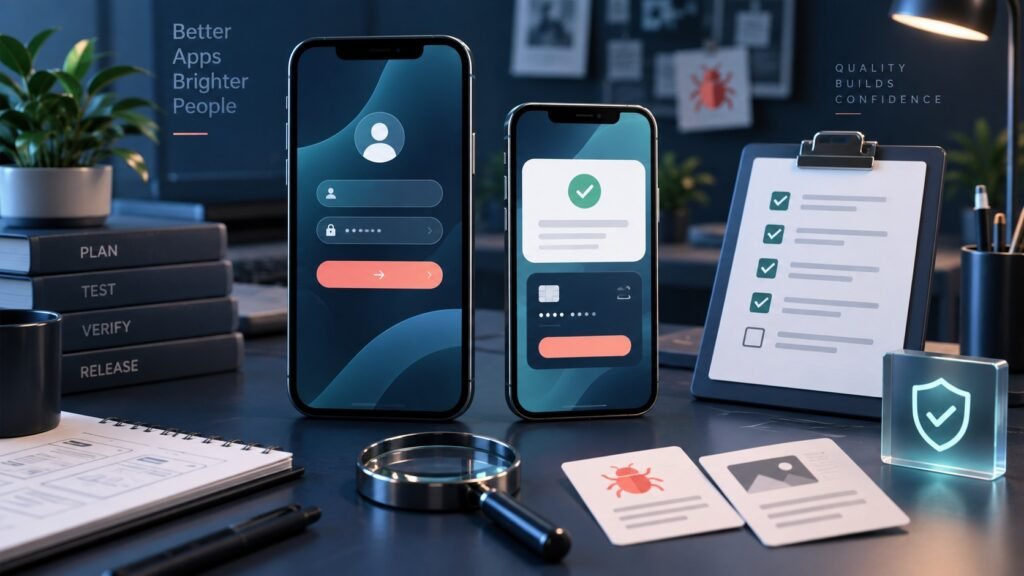
- Sign-in and session recovery. Exercise your supported login methods, expired sessions, logout and password recovery. Confirm that a returning user reaches the intended screen.
- Permissions. Check first request, denial and later changes in Settings for the permissions your app uses. A denied permission should lead to an understandable fallback rather than a blocked screen.
- Notifications. Check foreground, background and terminated-app behaviour where applicable. Open a notification with a valid session and an expired one; verify the destination and displayed data.
- Payments and subscriptions. Use approved sandbox or test payment accounts. Validate success, cancellation, failure and restoration where supported, including entitlement delivery and duplicate prevention. Never trigger real charges as a routine QA shortcut.
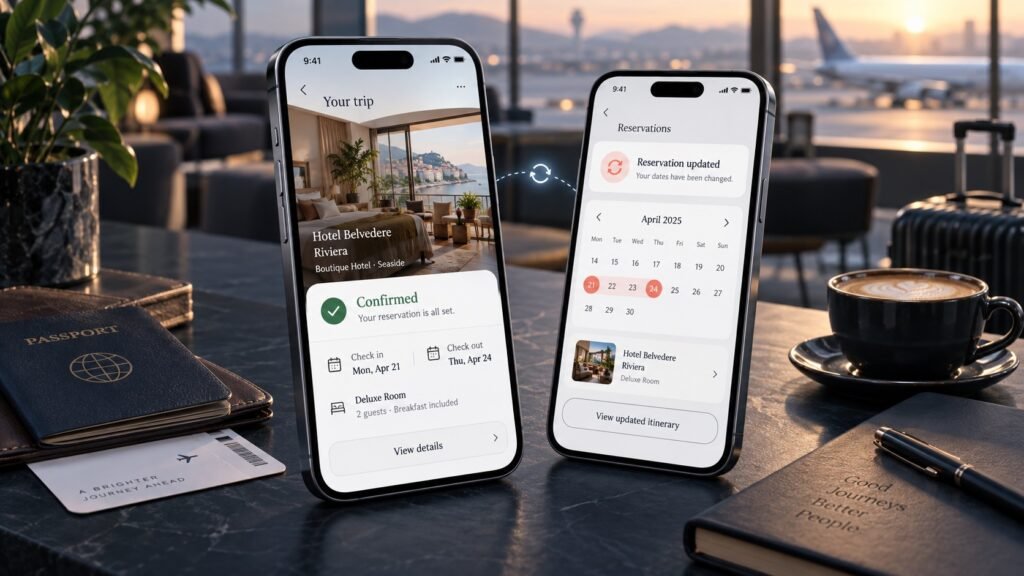
- Links into the app. Open supported links from messages, email or a browser. Check missing content, signed-out users and navigation back from the destination.
- Backgrounding and interruption. Leave the app during an important workflow, lock the screen and return. Check whether work resumes, safely restarts or explains why the state changed.
- Network loss and recovery. Interrupt an upload, save or other relevant request using a controlled test setup. Verify retry behaviour, error messages and whether repeated actions create duplicate data.
- Screen layout and safe areas. Check supported screen sizes and orientations, scrolling, bottom controls and overlays. Confirm that critical actions remain visible and reachable.
- Keyboard and text entry. Test forms with the keyboard open, long input, validation messages and supported autofill behaviour. Make sure the user can reach the submit action.
- Accessibility settings. Check larger text and VoiceOver on priority journeys. Record navigation order, labels and any controls that become unusable; this is not a blanket accessibility certification.
- Media and connected accessories. Where relevant, check camera selection, photo access, audio playback and supported Bluetooth devices. Test interruption and reconnection rather than connection alone.
- Stability during realistic use. Repeat critical journeys and observe crashes, freezes, loading delays and unusual heat or battery behaviour under recorded conditions. Treat observations as investigation leads, not benchmark claims without a controlled measurement method.
For mobile games, add player-state checks
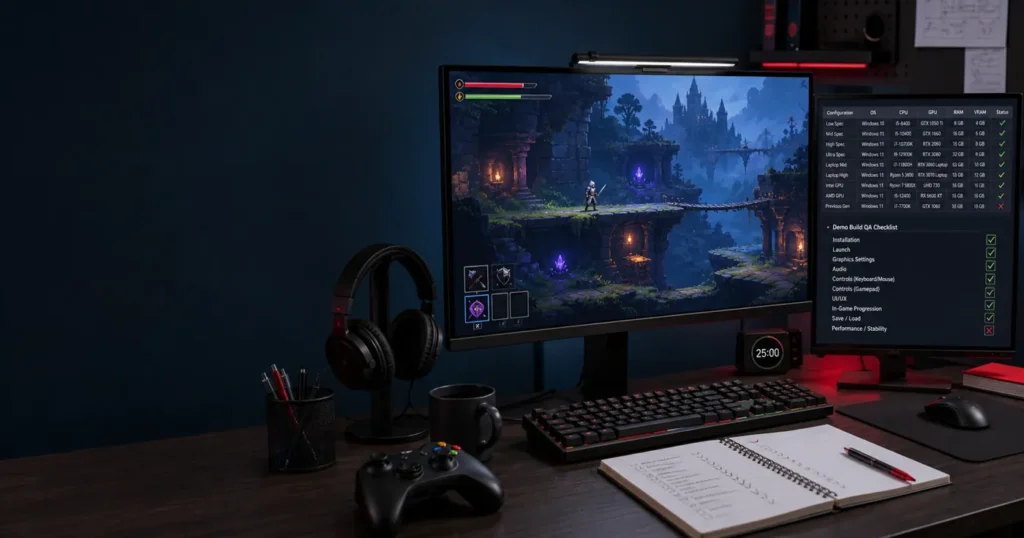
Include touch controls near screen edges, supported orientation changes, saved progression, interrupted rewarded ads and purchase entitlements. If the game uses Game Center or controllers, test those supported paths explicitly. Compare frame-rate observations under consistent device and session conditions, and check whether progress survives app termination and relaunch.
These checks belong in an agreed mobile game testing scope; not every game or device needs the same matrix.
Turn a failure into a useful defect report
Record the build, device, OS, starting state and exact steps, followed by expected and actual behaviour. Attach a screenshot or short video where useful and describe reproducibility. If a flow works on the older supported version but fails on iOS 27, record both environments. That comparison helps investigation; it does not by itself prove the OS caused the defect.
Illustrative example: a test user opens a notification after the session expires and reaches an empty screen. Record the notification type, session state, destination, reproduction steps and evidence. After a fix, verify that same case and agree related checks such as opening the notification while already signed in. This is a test scenario, not a claimed client finding.
What the release summary should say
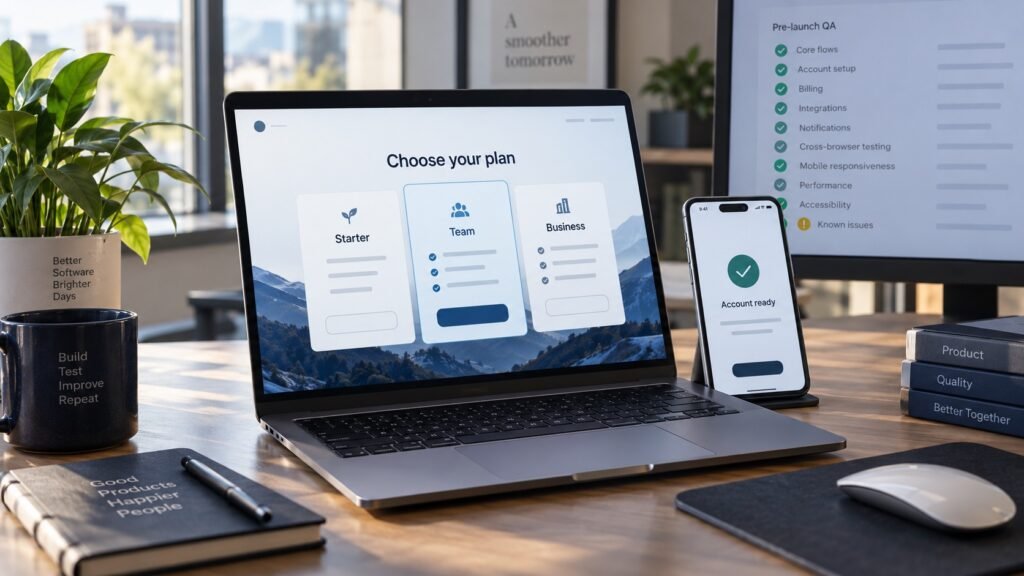
List completed checks, the device/build matrix, open defects, blocked checks and areas not covered. Avoid replacing that evidence with “fully compatible” or “ready for every iPhone.” The product team makes the release decision with the known risks visible.
Do not assume a compatibility pass includes unlimited replacement builds, retesting or regression. Agree the cycle, tester effort and reporting scope first; fix verification and additional regression are separately planned where required by the engagement.
Need a focused compatibility-testing scope?
Share your app build, supported iOS versions, target devices, critical workflows and release date. We’ll review device availability and recommend a focused scope and estimate—without promising a fixed turnaround before seeing the workload.