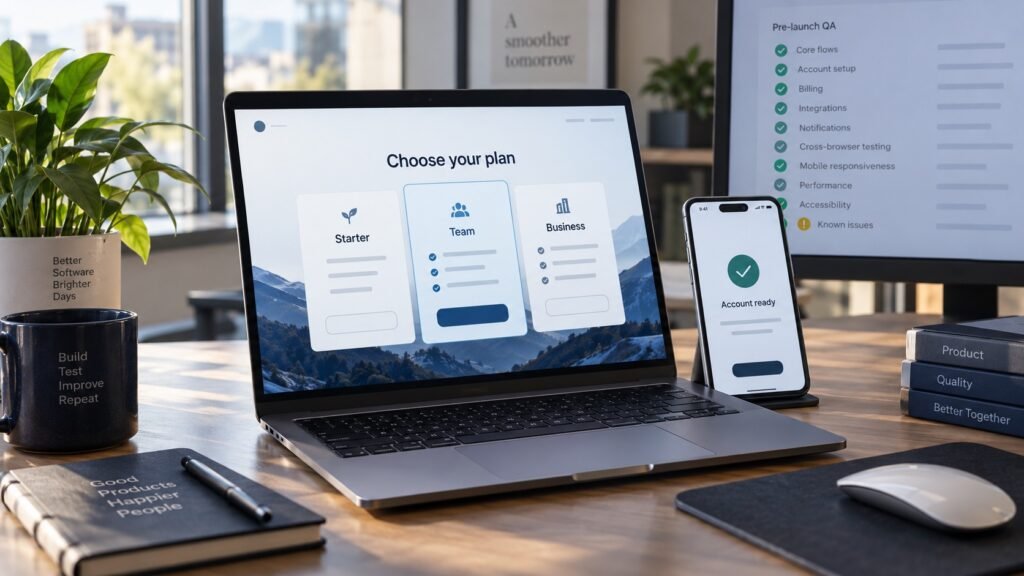
Your website may look perfect internally.
Pages load correctly. Buttons seem clickable. Forms work during testing. Everything appears ready for launch.
However, many businesses discover problems only after real users start interacting with the site.
Suddenly:
- contact forms stop submitting
- mobile layouts break
- checkout pages fail
- slow pages increase bounce rates
- users abandon the website
The frustrating part is that these issues often appear after development is completed.
That is why many companies now use professional website testing services before launch or major updates.
However, choosing a testing provider should not simply depend on pricing or promises.
The right questions can help businesses avoid hiring website testers who only run basic checks while missing problems that affect real users.
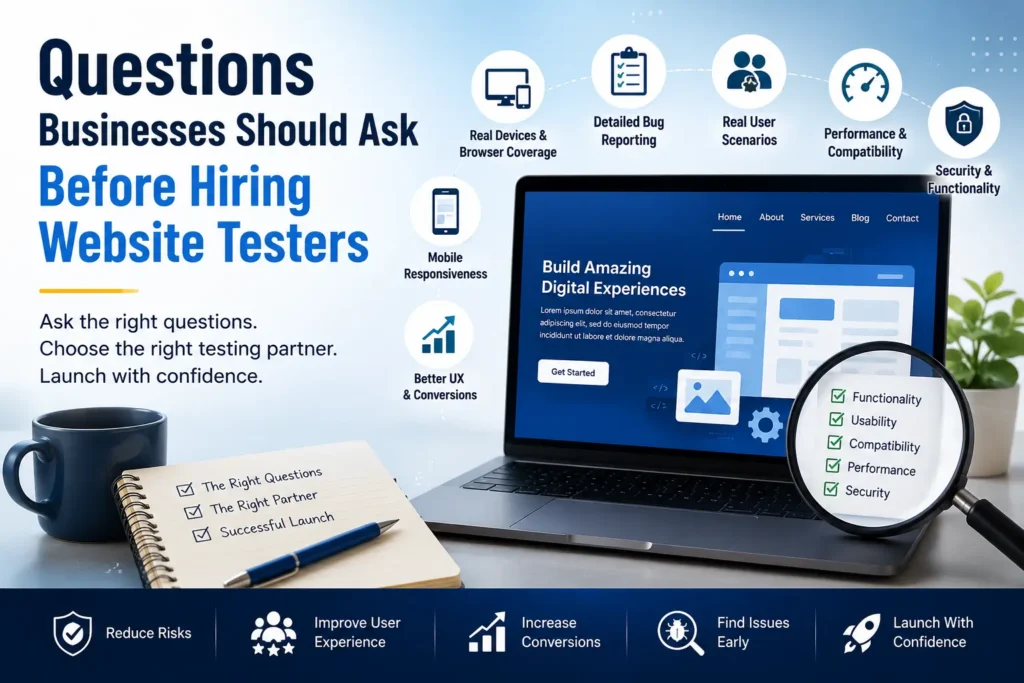
Here are important questions businesses should ask before hiring website testers.
Launching a Website Soon?
Professional website testing services help identify hidden issues before they affect users.
1. What Types of Website Testing Do You Provide?
Many businesses assume testing only means finding bugs.
However, modern websites require multiple testing layers.
For example:
- functionality testing
- usability testing
- mobile responsiveness testing
- browser compatibility testing
- performance testing
- security checks
- user experience validation
Different websites need different testing approaches.
For example, an eCommerce website may prioritize:
- checkout testing
- payment flow validation
- cart functionality
- user journey testing
Meanwhile, SaaS products may focus more on:
- user onboarding
- workflows
- account management
- dashboard functionality
Therefore, ask exactly what testing areas are included.
2. Do You Test on Real Devices or Only Simulators?
This is one of the most important questions businesses forget to ask.
A website might work perfectly on:
- a desktop browser
- high-end phones
- development environments
However, real users access websites through:
- Android devices
- iPhones
- tablets
- older browsers
- multiple screen sizes
As a result, real-world issues often appear such as:
- broken layouts
- overlapping buttons
- scrolling problems
- touch responsiveness issues
- form submission failures
Experienced website testing services usually include real-device testing rather than depending only on simulators.
Need Mobile and Browser Coverage?
Validate your website across real devices and browsers for a smoother user experience.
3. Which Browsers and Devices Will You Cover?
Website traffic comes from multiple environments.
Your users may visit from:
- Chrome
- Safari
- Firefox
- Edge
- mobile browsers
- tablets
Because of this, browser compatibility testing becomes important.
Ask:
- Which browsers will be tested?
- Which operating systems are included?
- Are mobile devices covered?
- Are older browser versions supported?
Broader coverage reduces launch surprises later.
4. How Will Issues Be Reported?
Finding bugs is only part of the process.
Clear reporting matters just as much.
Poor reports create confusion for developers and increase fixing time.
Good bug reports usually include:
- screenshots
- video recordings
- reproduction steps
- expected behavior
- actual behavior
- severity level
Detailed reporting helps development teams resolve issues faster.
Therefore, ask for sample reports before hiring website testers.
5. Do You Test Real User Scenarios?
Many testing teams focus heavily on technical functionality.
However, users do not interact with websites like testers.
Real visitors may:
- click unexpected areas
- leave forms incomplete
- switch devices
- navigate quickly
- abandon processes midway
For example:
A checkout process may technically work.
However, if users become confused after selecting shipping options, conversions can still drop.
Therefore, ask whether testing includes real user behavior validation.
6. How Do You Handle Mobile Responsiveness Testing?
Mobile traffic continues growing across almost every industry.
However, businesses still occasionally focus testing heavily on desktop experiences.
As a result, mobile users often experience:
- broken menus
- hidden buttons
- text overlap
- slow performance
- form usability issues
Mobile responsiveness testing should include:
- multiple screen sizes
- portrait and landscape mode
- Android devices
- iOS devices
This helps improve overall user experience.
7. Can You Support eCommerce or Industry-Specific Testing?
Different industries have different testing priorities.
For example:
eCommerce websites may need:
- cart testing
- payment validation
- coupon testing
- product filtering
SaaS websites may need:
- login workflows
- onboarding testing
- account permissions
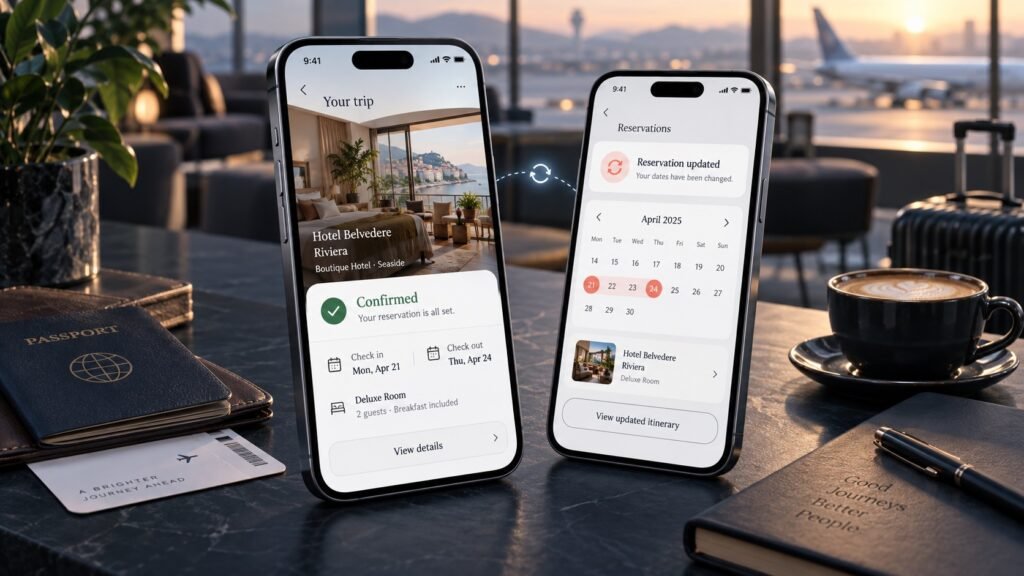
Booking websites may need:
- date selection testing
- payment workflows
- reservation validation
Industry experience often helps testers identify hidden issues faster.
8. How Quickly Can Testing Be Completed?
Launch timelines are often tight.
However, rushing QA can create expensive mistakes.
Ask:
- How long will testing take?
- What affects timelines?
- Can urgent testing requests be handled?
Having realistic expectations helps avoid delays before release.
9. Do You Provide Retesting Support?
Testing should not end after the first report.
Developers usually fix issues and submit updated builds.
Therefore, ask whether testing includes:
- bug verification
- retesting cycles
- regression testing
Otherwise, new fixes may accidentally introduce additional problems.
10. Can You Share Previous Experience or Case Studies?
Past work often reveals how testing teams approach projects.
Ask for:
- case studies
- testing examples
- industries supported
- previous website testing projects
This helps businesses understand whether the testing provider fits their needs.
Improve User Experience Before Launch
Reduce usability issues, broken flows, and conversion barriers with expert website testing.
Why Asking These Questions Matters
Many businesses compare website testing providers mainly based on price.
However, cheaper testing is not always better testing.
Missing critical issues can lead to:
- lost conversions
- frustrated users
- negative customer experiences
- lower retention
- revenue loss
Asking the right questions helps businesses choose website testing services that focus on actual user experience rather than basic bug lists.
Final Thoughts
Hiring website testers is not simply about checking whether pages work.
It is about understanding how real users interact with your website before they encounter problems publicly.
The right website testing partner should help businesses:
- improve user experience
- reduce launch risks
- identify hidden issues
- improve mobile performance
- increase conversion opportunities
Because ultimately, even small website problems can create large business impacts.
Frequently Asked Questions
Why should businesses hire website testers?
Website testers help identify usability issues, compatibility problems, broken functionality, and performance bottlenecks before real users experience them.
What should website testing services include?
Most website testing services include functionality testing, responsiveness testing, browser compatibility checks, usability validation, and performance testing.
Why is real-device website testing important?
Real devices help uncover mobile responsiveness problems, browser issues, and user experience challenges that simulators may miss.
How much do website testing services cost?
Website testing costs usually depend on website complexity, testing scope, device coverage, and turnaround time.