
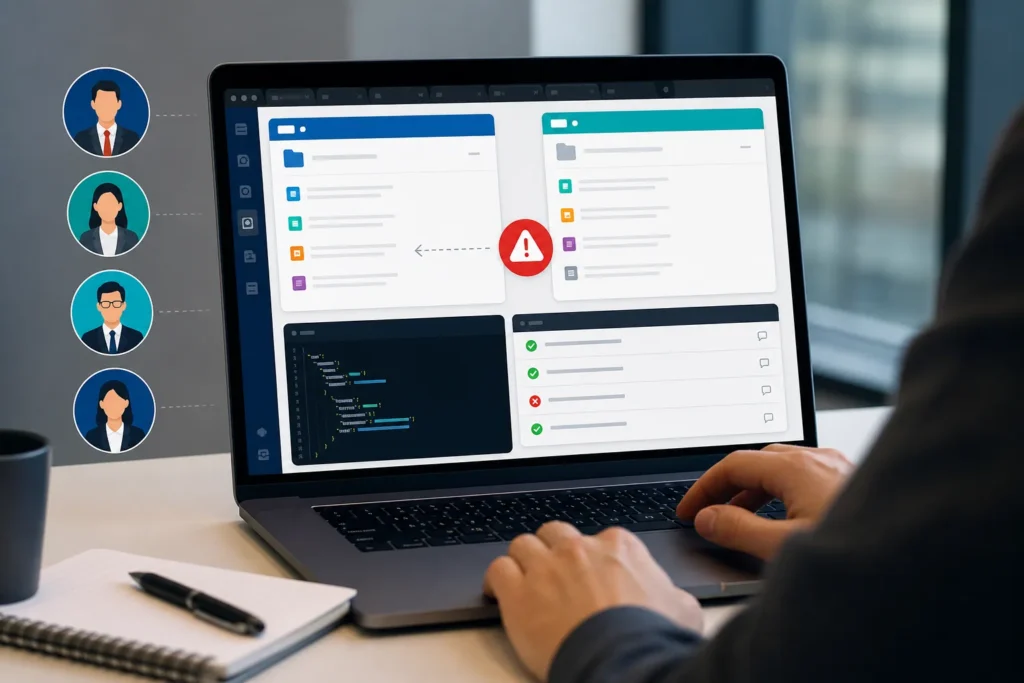
An AI-generated SaaS web app can appear reliable when one owner account follows the expected path. The harder release questions begin when different users work in separate workspaces, roles change during active sessions, records are opened through browser history, exports use different queries, and AI-generated content must remain attached to the correct tenant.
This anonymous case-study pattern explains how our web app testing services team approaches role permissions, workspace isolation, session state, API and UI consistency, AI history, defect evidence, and focused regression in comparable multi-role SaaS engagements.
Evidence and confidentiality note: The client and product are anonymous. This article does not publish client-specific defect counts, role totals, browser totals, testing duration, release metrics, or quotations. The scenarios describe an evidence-safe investigation pattern based on comparable QA work; they should not be read as invented statistics or a claim about one named customer.
Does your web app have multiple roles, workspaces, or AI-generated records?
Share a staging URL or build, role list, workspace rules, critical journeys, and release date. We will recommend a focused independent QA scope.
Anonymous Product Context
The comparable product pattern is a US-focused B2B SaaS web application built quickly with AI-assisted development. Customers create workspaces, invite teammates, assign roles, upload documents, collaborate on records, and use an AI feature to summarize or generate information from approved content.
Owners and administrators manage access. Managers coordinate workflows. Members create and update assigned work. Viewers have restricted access. The application also depends on APIs and connected services for authentication, storage, notifications, document processing, and AI responses.
Why Independent QA Was Needed
The happy path could look complete: a new account signed in, created a workspace, uploaded a document, generated a summary, and viewed the result. However, that flow did not answer the more important boundary questions:
- Does a role change affect an already-open session?
- Can browser history or a direct URL reopen data from another workspace?
- Do exports use the same workspace and role filters as the visible page?
- Does the API reject an action that the UI hides?
- Does AI-generated history remain attached to the correct account and tenant?
- What happens when an API fails after the interface has reported success?
- Can two tabs overwrite the active workspace or stale application state?
Independent QA was used to challenge the transitions between roles, workspaces, sessions, UI state, APIs, and AI-generated records rather than repeat only the expected feature demonstrations.
Role x Workspace x Workflow Coverage
| Coverage area | Owner / admin | Manager / member | Viewer / restricted | Boundary check |
|---|---|---|---|---|
| Workspace access | Create, configure, invite, switch | Use assigned workspaces | View explicitly allowed workspace | Direct URL, back button, stale tab, cached state |
| Role changes | Assign, reduce, remove | Use permitted actions | Remain restricted | Existing session, token refresh, multiple tabs |
| Documents and records | Manage approved data | Create or update assigned records | View approved records only | Search, export, history, deleted or moved record |
| AI summaries or outputs | Configure and review where allowed | Generate from permitted source data | View only permitted output | History, prompt context, account switch, failed generation |
| Integrations and APIs | Configure approved connections | Trigger permitted workflows | No restricted action | Timeout, retry, duplicate, partial success, UI/API mismatch |
The matrix is adapted to each product. Its purpose is to connect the business rule to the state that must be reproduced and the evidence required for a useful decision.
Testing Approach
1. Establish Controlled Accounts and Workspaces
QA creates known accounts for each agreed role and at least two separate workspace datasets. Starting states are documented so that any cross-workspace record, permission, export, or AI history issue can be reproduced without using real customer data.
2. Map Critical End-to-End Journeys
The team follows onboarding, invitation, role assignment, workspace switching, document upload, record updates, AI generation, exports, and logout as connected journeys. Each step is checked from the perspective of every participating role.
3. Change Roles During Active Sessions
An administrator reduces or removes access while the affected user remains signed in. QA then checks the open page, refresh, new navigation, direct URLs, existing tabs, API actions, and exports to confirm when and how the new permission state takes effect.
4. Compare UI and API State
A hidden button does not prove authorization. Where approved access allows it, QA compares visible UI behavior with relevant request results, status codes, record identifiers, error handling, and the final persisted state.
5. Stress Browser State
Refresh, browser back, multiple tabs, workspace switching, expired sessions, logout, reconnect, cache, and interrupted actions are used to reveal state that a clean one-tab journey may never encounter.
6. Check AI History and Failure Handling
Generated output is reviewed across account and workspace changes. The team also checks empty or delayed responses, unsupported files, timeouts, retries, repeated generation, incomplete history, user messaging, and recovery after a connected AI service fails.
High-Risk Defect Categories This Method Is Designed to Expose
The following are investigation targets and representative defect categories from comparable multi-role SaaS work. They are not presented as a fabricated defect count for an unnamed client.
Stale Workspace Records
A user switches workspaces, but part of the interface, a cached list, a detail view, or an export continues to use the previous workspace context. This can create confusion or a serious data-boundary risk.
Role Changes That Do Not Affect Existing Sessions
A fresh sign-in shows the correct permission, while an already-open tab still exposes a previous action until its role state refreshes. The defect report must identify the original role, changed permission, active session, affected action, and exact state transition.
UI and API Authorization Mismatch
The interface hides a control, but a direct request, bookmarked URL, or stale component can still trigger an action. The opposite can also happen: a permitted action is visible, but the API rejects it without useful guidance.
Exports With Broader Data Than the Visible Page
The list view applies workspace or role filters correctly, while the export endpoint uses a different query. QA compares on-screen records and downloaded results using the same controlled account state.
Browser-Back and Multiple-Tab State Problems
A user changes workspace or logs out, then an older tab or browser-back action displays stale data or overwrites the active workspace. The visible result, request behavior, and persisted state all need validation.
AI History Crossing Account or Workspace Boundaries
An AI summary, prompt history, source reference, or generated record must remain attached to the correct tenant and permission state. QA checks new sessions, account switching, workspace switching, direct links, and history views.
Failed API With a Success Message
The interface may optimistically show success before an upload, integration, or AI request is confirmed. If the API later fails, the user needs an accurate state and a safe way to retry without duplicate work.
Need role and workspace isolation testing?
Our SaaS QA team can map owners, admins, members, viewers, workspaces, APIs, AI history, browser states, and regression into a practical evidence-led scope.
Defect Evidence Model
Each report should identify the account, role, plan, workspace, environment, browser, session state, test data, preconditions, exact actions, expected boundary, actual result, screenshots or video, relevant request observations, severity, and retest status. Sensitive client data, production credentials, and private AI content should not be copied into the report.
For cross-workspace issues, a short screen recording is often useful, but it is not enough by itself. The report must also explain which account owned the data, which workspace was active, how the state changed, and why the result broke the approved business rule.
Retesting and Regression
After a fix, QA repeats the exact failing state and then checks adjacent boundaries. A role correction is retested across fresh and existing sessions. A workspace fix is checked in search, detail views, exports, history, browser back, and multiple tabs. An AI-history fix is checked across account and workspace changes. An API-state fix is exercised under success, failure, timeout, retry, and duplicate conditions where the scope allows.
This risk-based regression is more useful than repeating an entire low-risk product. It protects the connected journeys most likely to affect access, data, customer work, revenue, or release confidence.
Release Outcome and Evidence Limits
A structured review gives the product team a clearer release picture: which boundaries were exercised, which risks were reproduced, which fixes passed retesting, which connected journeys received regression, and which residual risks remain.
Because this case study is anonymous and evidence-safe, it does not claim a number of roles, browsers, cycles, defects, integrations, days saved, or business outcomes. Those measurements should be published only when they come from an approved project record. The value described here is the method: turning role, workspace, session, API, and AI-state assumptions into reproducible evidence.
When to Use This QA Approach
This approach is especially useful when a SaaS product has multiple roles, multiple tenants or workspaces, document or data processing, AI-generated records, integrations, frequent releases, customer-specific plans, or a history of issues that internal checks cannot reproduce.
Testers HUB can support a focused release review, recurring SaaS regression, manual QA testing, automation support, and AI-driven software testing services. Teams can also review software testing pricing and engagement options before selecting a scope.
Build a safer role and workspace release plan
Send your staging URL or requirement material, user-role list, workspace rules, critical workflows, integrations, and release date. We will identify the highest-risk journeys and recommend practical coverage.
Frequently Asked Questions
Why is workspace isolation important in a SaaS web app?
Workspace isolation helps ensure that users see and change only the records allowed for their current tenant, role and plan. A correct screen is not enough; exports, direct URLs, APIs, cached state, browser history and AI-generated records must follow the same boundary.
How does role-based QA test an AI-generated SaaS application?
QA maps each role against permitted actions, creates controlled accounts in separate workspaces, follows end-to-end journeys, changes roles during active sessions, compares UI and API behavior, tests browser history and multiple tabs, and checks whether AI output history remains attached to the correct account and workspace.
Can Testers HUB test an AI-generated app without source-code access?
Yes. Useful independent QA can begin from a staging URL or build, requirement documents, role accounts, test data and expected workflows. Source-code or log access can improve diagnosis when approved, but it is not required for every functional review.
What evidence should a cross-workspace defect report include?
The report should identify the account, role, workspace, plan, session state, browser, starting data, exact actions, expected boundary, actual result, screenshots or video, relevant request observations and retest status without exposing real customer data.
Does this case study publish client defect totals or business metrics?
No. The client and product are anonymous, and unapproved defect counts, testing duration and business results are not published. The case study explains the investigation pattern, evidence model and release risks used in comparable multi-role SaaS engagements.
Need QA testing support for a similar release?
Tell us about your app, website, game, platform coverage, and launch timeline. Testers HUB will recommend a practical QA scope and quote.