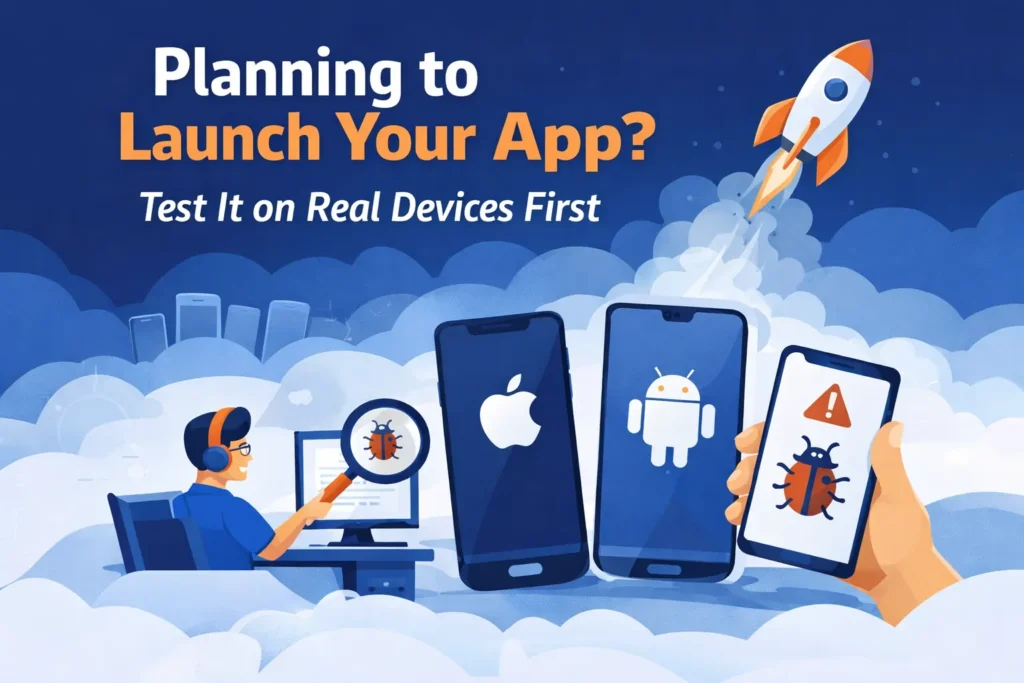
Releasing a mobile app is a big milestone. However, the real challenge begins when users start interacting with it. If the app crashes, lags, or behaves unexpectedly, users won’t wait — they simply uninstall it.
Because of this, testing your app in real-world conditions becomes essential. While simulators help during development, they cannot fully represent how an app behaves on actual devices.
That’s where real-device testing comes in. It allows you to identify issues before your users do.
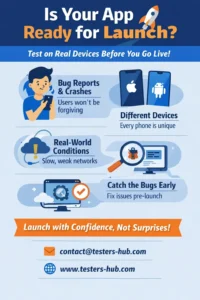
👉 If you’re getting ready for launch, you can
👉 hire mobile app testers and validate your app across real devices in advance.
What Exactly Is Real-Device Testing?
In simple terms, real-device testing means checking your application on physical smartphones and tablets instead of virtual environments.
Although simulators are convenient, they often miss critical real-world factors. For instance, network instability, device-specific performance, and hardware limitations cannot be accurately replicated.
When you test on real devices, you can observe how your app performs under actual usage conditions, such as:
- Switching between Wi-Fi and mobile data
- Running multiple apps at the same time
- Handling different screen sizes and device configurations
- Responding to real touch gestures and background processes
Since users access apps from a wide variety of devices, testing across multiple devices ensures consistency.
Why Real Devices Reveal What Simulators Miss
Many teams rely heavily on simulators; however, this often leads to missed issues. In real usage, apps behave differently due to hardware variations and unpredictable user behavior.
For example, a feature that works smoothly in a simulator may fail when the device heats up or when the internet connection fluctuates.
By testing on real devices, you gain:
- True performance insights based on actual hardware
- Better detection of UI and usability issues
- More reliable crash and bug identification
- Confidence before releasing your app to users
👉 As a result, you reduce the chances of negative reviews and post-launch fixes.
Ready to prepare your app for launch?
Options to Hire Real-Device Mobile App Testers
When it comes to testing, you have multiple approaches. However, each option serves a different purpose.
Freelancers
Freelancers can help with basic testing tasks. However, they usually work with a limited set of devices and may not follow structured QA processes.
In-House Testing Team
An internal team offers better control and direct communication. On the other hand, managing devices, updates, and testing cycles requires significant investment.
QA Service Providers
Working with a specialized QA company is often the most efficient choice.
For instance, companies like Testers HUB provide access to multiple real devices, experienced testers, and structured testing workflows. Instead of handling everything internally, you get a complete testing setup ready to use.
How to Choose the Right Testing Partner
Selecting a QA partner should not be rushed. Instead, it’s important to evaluate their capabilities carefully.
Here are a few key points to consider:
- Device Coverage: Do they test across different brands and OS versions?
- Testing Approach: Do they follow structured test cases or exploratory testing?
- Reporting Quality: Are their bug reports clear and actionable?
- Industry Experience: Have they tested apps similar to yours?
- Communication Process: Will you receive regular updates?
👉 By evaluating these factors, you can choose a partner that aligns with your project needs.
Why You Should Never Skip Real-Device Testing
Skipping real-device testing might save time initially; however, it often leads to bigger problems later.
Users interact with apps in unpredictable ways — they switch networks, use older devices, and run multiple apps simultaneously. These conditions cannot be fully simulated.
Real-device testing helps ensure:
- Consistent performance across different devices
- Smooth navigation and user experience
- Stable integrations such as APIs and notifications
- Uniform design across screen sizes
👉 Ultimately, it helps you launch with confidence instead of uncertainty.
Frequently Asked Questions
Why is testing on real devices necessary?
Because it exposes real-world issues that do not appear in simulated environments.
How many devices should be included in testing?
This depends on your target audience; however, covering commonly used devices usually provides good results.
What factors affect testing cost?
Pricing depends on scope, number of devices, app complexity, and testing duration.
👉 You can also explore our testing cost calculator to estimate your QA budget.
Can testing be done for a single release?
Yes, many teams opt for one-time testing before launch or major updates.
What deliverables should I expect?
You will receive detailed reports, including bug descriptions, screenshots, and reproduction steps.
Final Thoughts
Real-device testing plays a crucial role in delivering a reliable mobile app experience.
While simulators are useful during development, they cannot replace real-world testing. Therefore, validating your app on actual devices ensures better performance and fewer issues after launch.
At Testers HUB, we help teams test their apps across multiple real devices so they can release with confidence.
👉 Don’t wait for users to find issues